How to Merge Multiple Marksheets into One Single PDF Securely
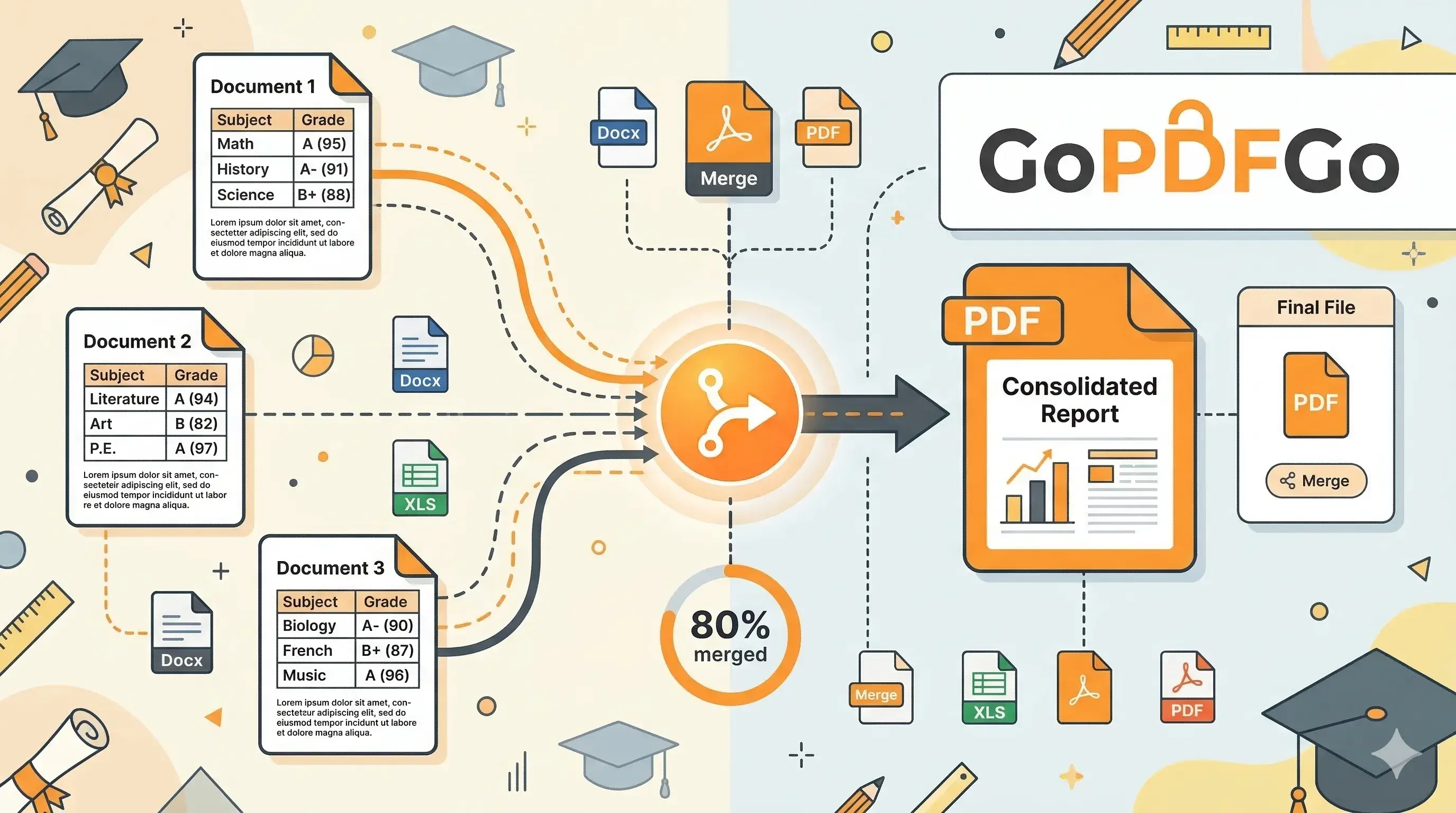
The portal asks for "Proof of Educational Qualifications" and gives you exactly one upload box, usually capped at 2 MB. You have three separate files: a 10th marksheet, a 12th certificate, and a degree that came down from DigiLocker as four semester PDFs. A ZIP folder gets rejected as an invalid file type, and pasting the scans into a Word document wrecks their resolution on the way to PDF. The clean answer is to merge them into one PDF, in the order the portal expects, without recompressing a single page.
This guide covers exactly that: which order to use and where to check it, how to merge without losing quality, and the small formatting slips that get files sent back at document verification.
Which Order: Chronological, Unless the Notification Says Otherwise
Default to chronological order — 10th first, then 12th, then the degree semester by semester, then any post-graduation. This is what most Indian recruitment notifications expect, and there is a practical reason behind it: the 10th certificate is the accepted proof of date of birth, so the verification officer looks for it first. It is also the order the steps and the FAQ below use, so the whole page tells you one thing.
Do not take that as a law, though. UPSC, SSC and many state PSC notifications spell out the exact document sequence in their own instructions, and if the official PDF says one order and you upload another, you have not followed the brief. Before you start dragging files around, open the current notification on the official portal — ssc.gov.in, upsc.gov.in or ibps.in — and find the document-upload section. If it specifies an order, match it page for page. If it is silent, chronological is the safe default.
How to Combine Your Documents on GoPDFGo
We have made this merging process incredibly fast and completely secure. Your files are merged locally on your computer's browser, meaning your private academic data is never uploaded to an unknown cloud server.
- Step 1: Visit the Merge PDF page on our website.
- Step 2: Select all the PDF files you need to combine. You can highlight them all at once or add them one by one.
- Step 3: Arrange them in order. Drag the file cards into place — 10th, 12th, degree — or into whatever sequence the notification specified. The card numbered 1 becomes page one.
- Step 4: Fix orientations. Did you accidentally scan your 12th marksheet upside down? Use the small "Rotate" icon right on the file preview to fix it instantly before merging.
- Step 5: Click "Merge PDF Now" and download your perfectly combined, professional document.
Troubleshooting Common Merging Issues
Issue 1: Password Protected Files. If you downloaded your marksheet from DigiLocker or a university portal, it might be password protected. You cannot merge a locked file. First remove the password using our Unlock PDF tool (you just enter the password you already know), then merge the unlocked copy.
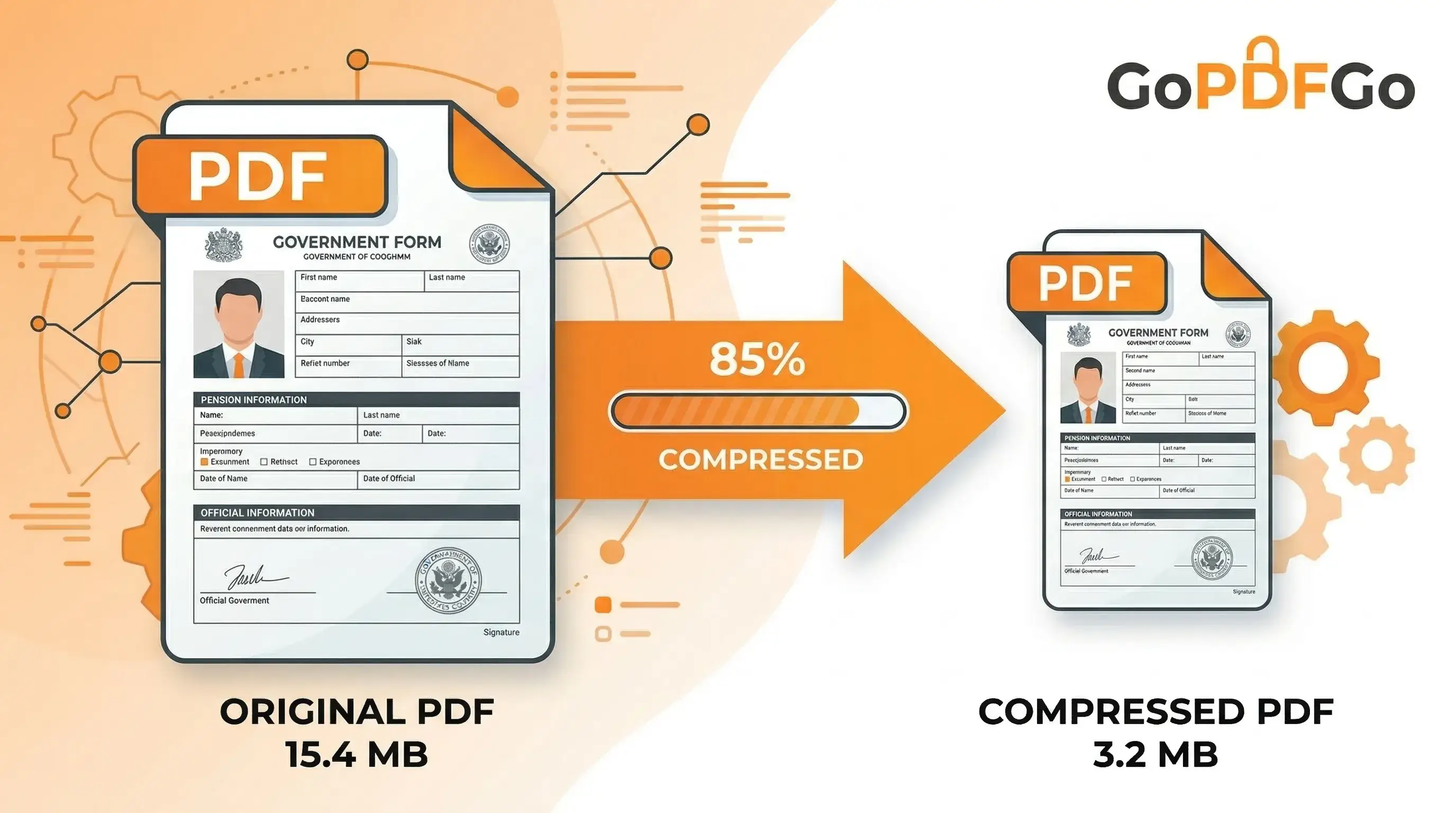
Issue 2: The merged file is too big. When you combine 4 or 5 high-quality scanned PDFs, the final file might become quite heavy—sometimes exceeding 5MB or 10MB. If the application portal has a strict 2MB upload limit, do not panic. Simply take your newly downloaded merged PDF and run it through our Compress PDF tool. We will optimize the file structure and reduce the size drastically while ensuring your grades and roll numbers remain crystal clear.
Name the File Like a Professional, Not "scan001"
Here's a small thing that quietly works against you. You merge everything perfectly, then the file lands in the reviewer's folder named Document.pdf, IMG_20260619_113422.pdf, or the classic New Scan(2)(final)(1).pdf. When an SSC or IBPS verification clerk is sorting through a few hundred uploads, an unnamed file is a file they have to open just to figure out what it is. That's friction you don't want to add.
Give it a clean, boring, descriptive name before you upload. Something like Rahul_Sharma_Educational_Qualifications.pdf tells the officer exactly what's inside without a single click. If the notification gives you a roll number or registration ID, stick that in too. Avoid spaces if the portal is fussy (some older government servers choke on them) and use underscores instead. And please don't leave the auto-generated camera filename on it. It reads as careless, and careless is the last thing you want a hiring panel thinking about your paperwork.
Where Category and Other Certificates Go
Most notifications want the supporting certificates — category, EWS, PwD, domicile — at the very end, after the academic documents. Keep them out of the middle of the marksheet sequence. With Merge PDF you can rearrange the cards as many times as you like before hitting merge, and the same applies when you are building part of the file from phone photos through Image to PDF first, then merging that result with your DigiLocker scans.
The Tiny Formatting Slips That Trip Verification
Most rejections at the document verification stage aren't about fake certificates. They're about sloppy files. A few things to clean up before you submit:
- One sideways page. You scanned your degree in landscape and forgot to fix it. The reviewer now has to tilt their head or rotate the whole document just to read one mark. Rotate it before merging so every page sits the same way up.
- A stray blank page. Double-sided scanners love to slip in an empty back page. If your final file has a blank sheet floating between the 10th and 12th marksheet, drop it with Delete PDF Pages so the document is tight and continuous.
- No page numbers. When a notification says "attach 8 pages of self-attested documents," a reviewer wants to confirm there are actually 8. Stamping numbers with Add Page Numbers makes the file easy to cross-check and looks far more put-together.
None of these are dramatic. But document verification is the one stage where a clerk is actively looking for a reason to send your form back, and a messy, half-rotated, oddly-named PDF hands them that reason on a plate. Five minutes of cleanup is cheaper than waiting for the next recruitment cycle.
Five minutes on this before you upload is cheaper than waiting for the next recruitment cycle because a clerk sent your form back over a sideways page.
Frequently Asked Questions
Q: How do I merge my 10th, 12th, and degree marksheets into one PDF?
A: Open the Merge PDF tool, add all your marksheet files, drag them into the right order, and download a single combined PDF — all inside your browser.
Q: In what order should I arrange the marksheets?
A: Unless the portal says otherwise, arrange them chronologically — 10th, then 12th, then each semester of your degree. The file at the top becomes the first page.
Q: Will merging reduce the quality of my scanned marksheets?
A: No. Merging simply places each page one after another; it does not re-compress or blur your scans, so every marksheet stays exactly as sharp as the original.
Q: The merged PDF is too big for the portal. How do I shrink it?
A: Run it through the Compress PDF tool and use Target Size (KB) mode to bring it under the portal’s limit (like 200KB) while keeping the text readable.
Q: Is it safe to merge my documents here?
A: Yes. Everything runs inside your browser on your own device — your marksheets are never uploaded to any server.