Why You Should NEVER Upload Bank Statements to Free PDF Websites
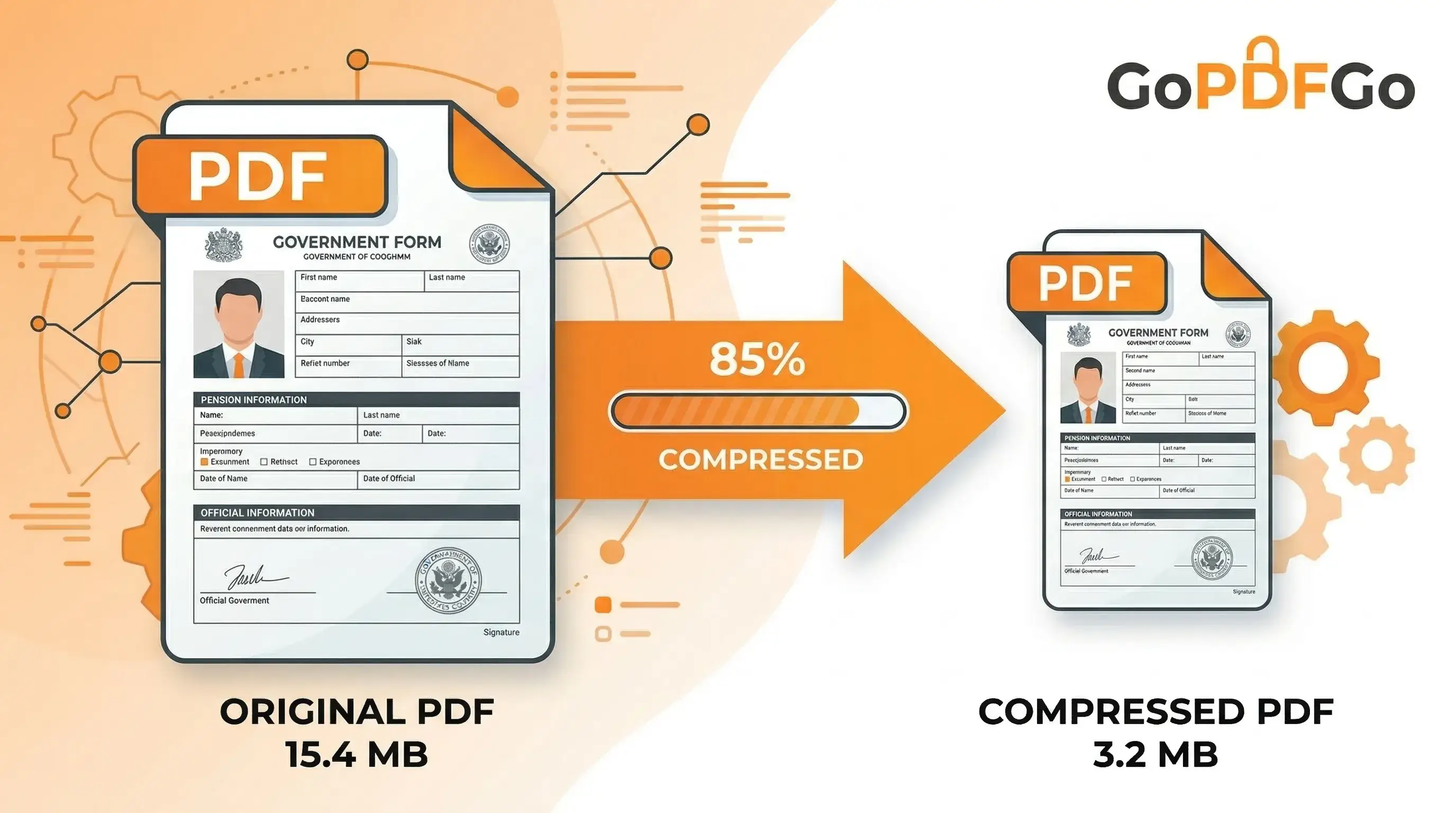
We have all been in this exact situation. You are applying for a home loan, setting up a new trading account, applying for a travel visa, or completing your KYC. The portal demands your last 6 months' bank statements. You download the official PDF from your net banking portal, but it's 3MB, and the website's upload limit is a strict 1MB.
What do you do next? Like millions of others, you Google "Compress PDF," click the very first free link that appears, drag your highly sensitive bank statement into the box, and wait for it to process. But have you ever paused to stop and think about how that website is actually compressing your file, and where your data is going?
The Hidden Danger of "Cloud" PDF Tools
The vast majority of popular, free PDF manipulation websites operate on a cloud-based processing model. This means they do not have the technological capability to edit the file right there on your computer. Instead, the invisible process looks like this:
- You select your file on your screen.
- The file is physically uploaded from your device, sent across the internet, to their remote server (which could be hosted in any country, completely outside your legal jurisdiction).
- Their remote server runs the compression or editing software.
- You download the newly edited file from their server back to your computer.
Most of these websites proudly state in their privacy policies: "We respect your privacy and automatically delete your files after 2 hours." But the critical question you must ask is: Do you really trust an anonymous, free website with your complete financial identity? Even if they delete it, your data existed on an external server for 120 minutes—more than enough time for an automated script or a bad actor to copy it.
What is Exactly at Risk?
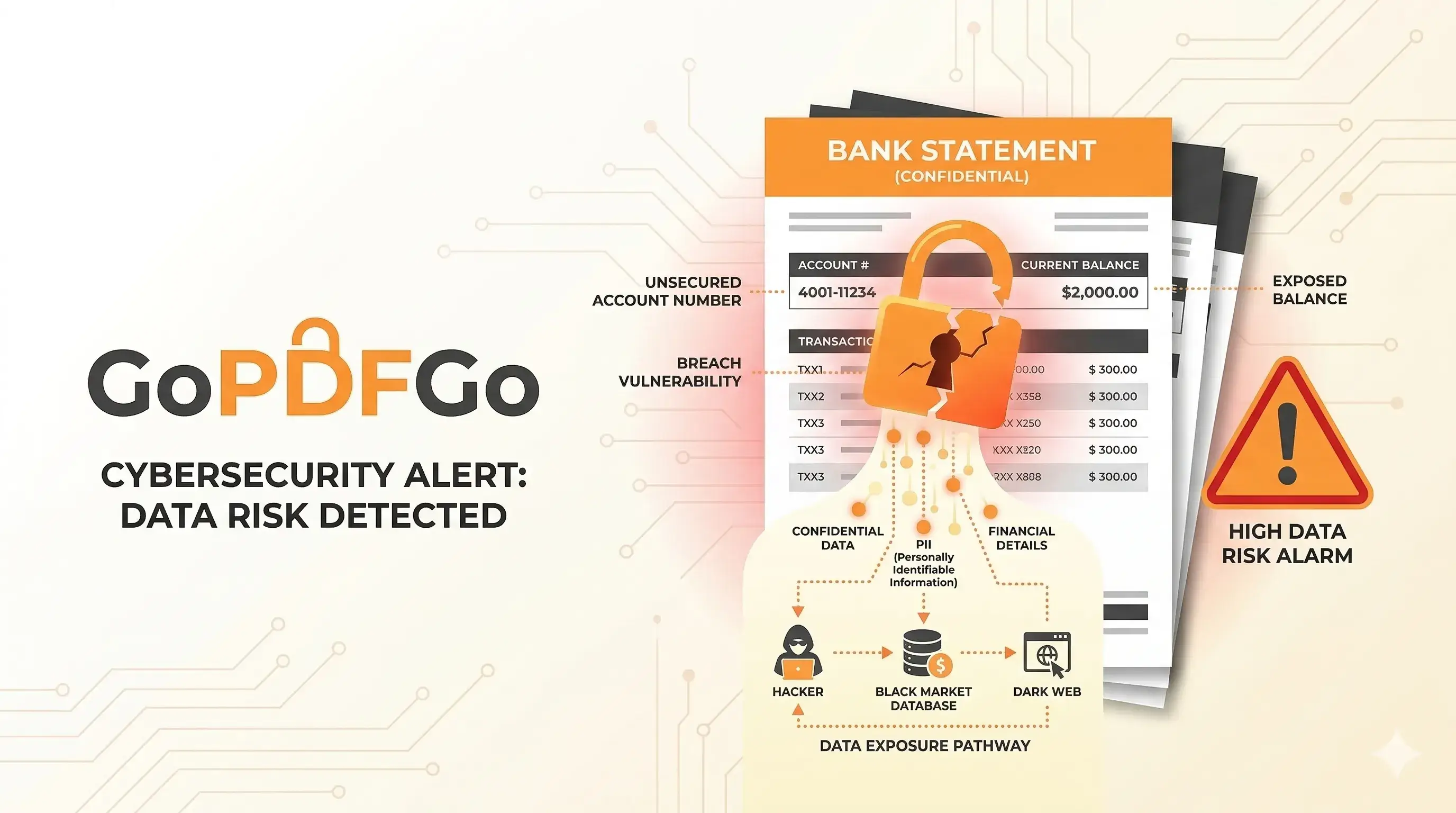
A standard bank statement is an absolute goldmine for identity thieves, scammers, and hackers. Think about what a single 5-page PDF contains. It has your Full Legal Name, Home Address, Bank Account Number, IFSC Code, Phone Number, and quite often your PAN number.
Furthermore, it details exactly where you shop, what your monthly salary is, your EMI obligations, and who you transfer money to. If that cloud server experiences a data breach—which happens to large tech companies every day—your entire financial life is exposed and sold on the dark web. This leads to targeted phishing attacks, unauthorized loan applications, and severe identity theft.
How GoPDFGo Keeps the File on Your Device
We built GoPDFGo specifically to solve this massive privacy crisis in the digital tools space. We firmly believe that your private, sensitive documents should never leave your physical possession.
How "Local Processing" Works to Protect You
Our platform runs entirely inside your web browser. When you load our website, we send a tiny, highly efficient application directly to your web browser.
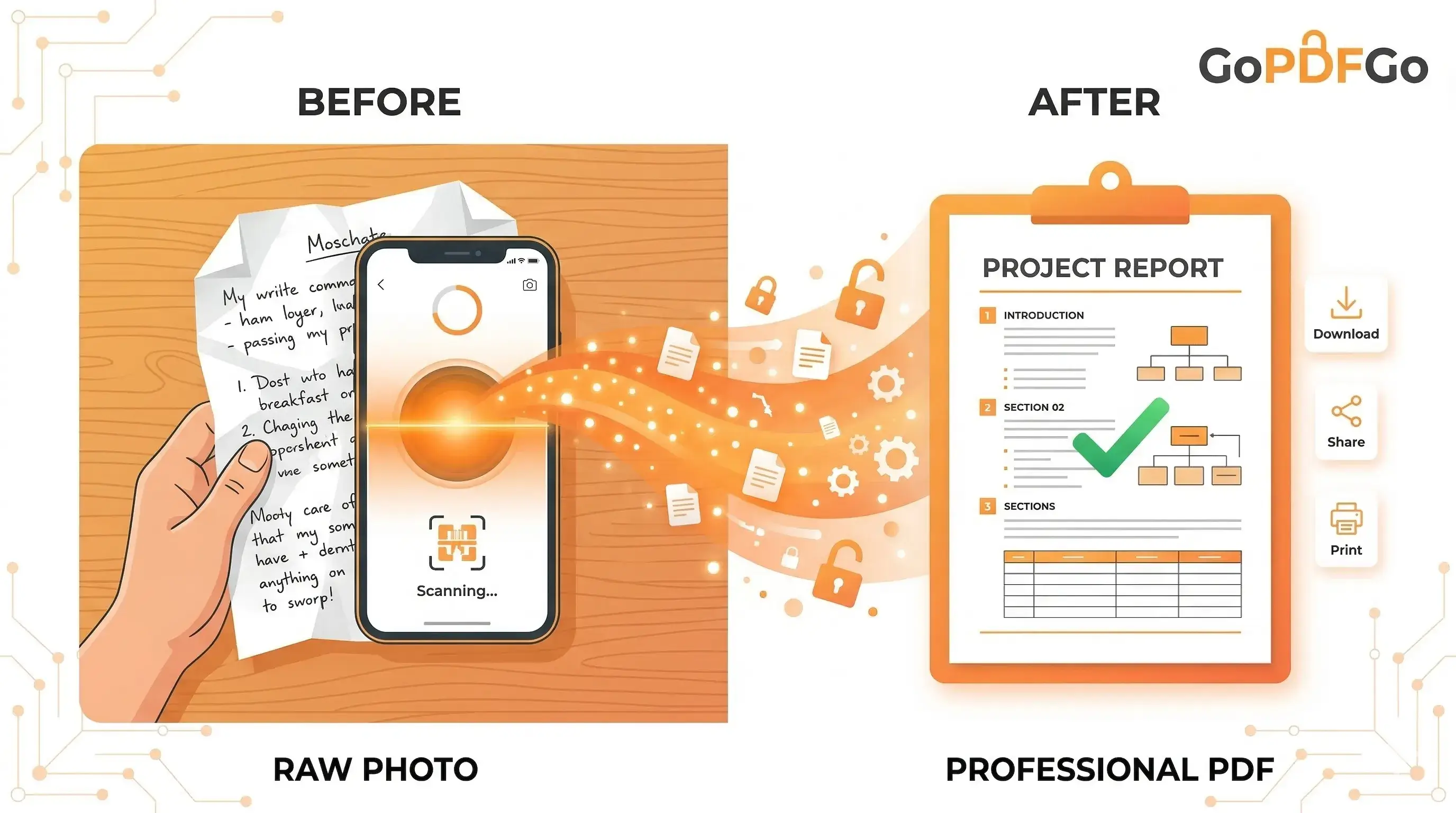
Whether you are using our Compress tool to shrink a file, extracting specific pages with our Split PDF tool, or blurring information with our Aadhaar Masking tool, the actual mathematical processing happens entirely inside your phone or laptop's CPU.
Your file is never uploaded. It is never transmitted across the internet. We have absolutely zero access to your documents.
"Deleted in 2 Hours" Is Not the Same as "Gone"
That reassuring line about auto-deletion only talks about one copy of your file. It says nothing about the backup snapshot the server took at 2am, the temporary file the compression library wrote to a scratch disk, or the log line that recorded your filename and IP. A statement that left your laptop has already been copied several times before anyone clicks delete.
And deletion assumes good intent in the first place. A free tool has to pay for those servers somehow. Some quietly resell the metadata they scrape from your documents — your bank name, your salary band, your spending pattern — to ad networks and lead-generation outfits. That's why you start getting "pre-approved loan" calls from numbers you never shared with anyone. Here's what realistically happens once a sensitive PDF lands on a stranger's server:
- It gets retained indefinitely. "We delete after 2 hours" is a promise, not a mechanism. Nobody outside the company can verify it, and there is no Income Tax portal or RBI body checking up on a random .com.
- Staff can open it. Engineers, contractors and support agents on the other end often have raw access to uploaded files. Your HDFC statement is one search query away for someone you'll never meet.
- It rides along in the next breach. Small tools get hacked constantly and rarely announce it. Your statement sits in a database dump that surfaces on a Telegram channel months later, bundled with thousands of others.
How to Actually Tell If a Tool Is Uploading Your File
You don't need to read the code to catch a cloud tool in the act. The tells are obvious once you know what to look for. Watch the moment you drop a 3MB file in:
- A real upload progress bar. If you see a bar slowly crawling from 0 to 100 percent — and a bigger file takes noticeably longer — that file is going over the wire to a server. A genuinely local tool reads the file straight off your disk, so it's basically instant regardless of size.
- The offline test. Open the tool, then switch off your Wi-Fi or mobile data and try to use it. If it throws a network error or just hangs, the work was happening on their server, not yours.
- "Get a link to share your file." If the result is handed to you as a shareable URL instead of a direct download, your output is sitting on their infrastructure, public to anyone who guesses the link.
One honest signal in the other direction: a tool that keeps working in Airplane mode literally cannot be sending your statement anywhere, because there's no connection for it to use.
A Saner Workflow for Statements, PAN and Aadhaar
The cleanest habit is to do every edit on your own device first, and only share the trimmed-down result. A bit of order goes a long way:
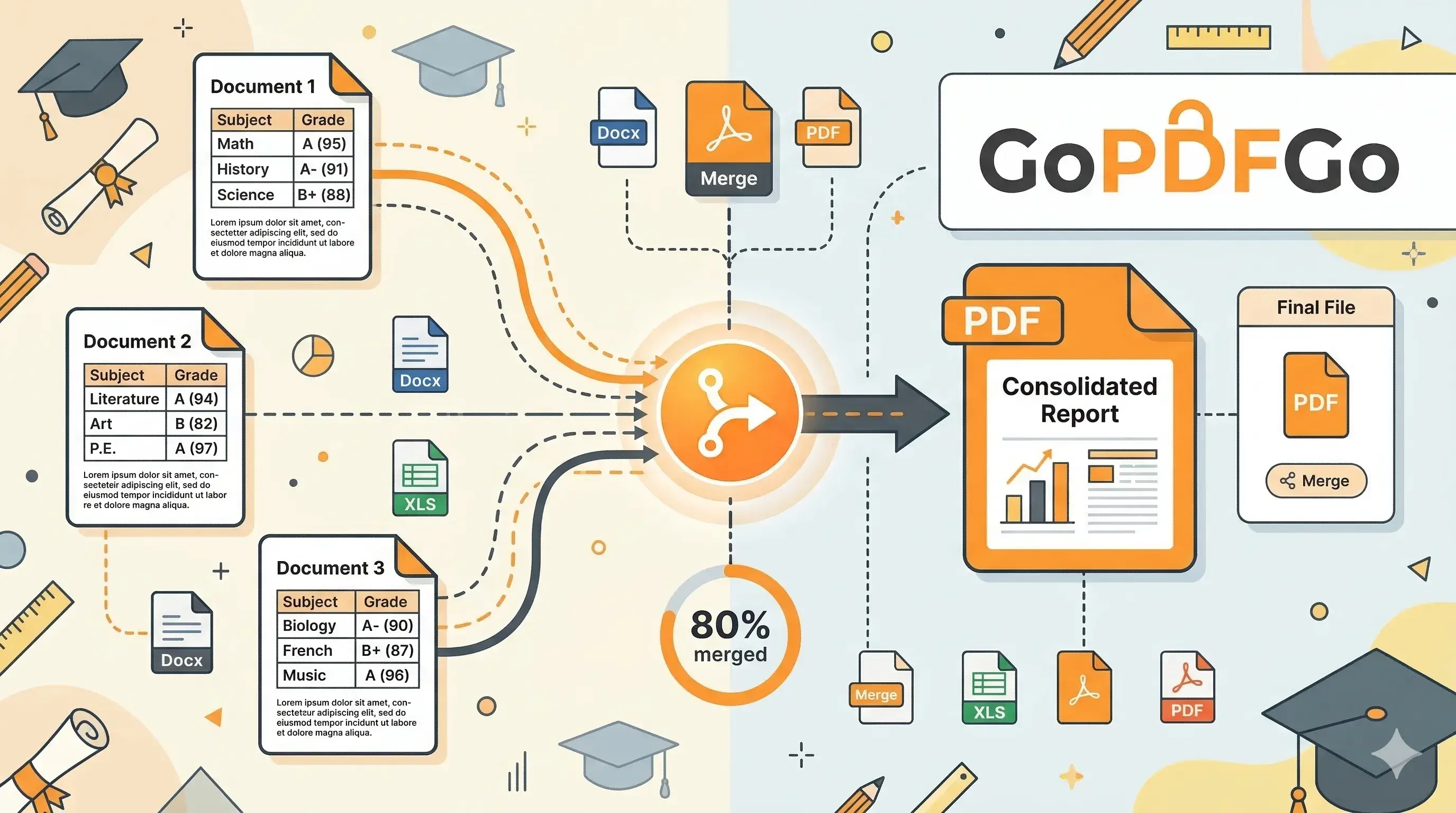
- Send only the pages they asked for. A visa officer wants three months, not your entire transaction history. Pull out just those pages with Extract Pages before the file ever leaves your hands.
- Fix the size on your machine. If the portal's 1MB limit is the problem, shrink the same file locally with Compress PDF instead of feeding it to the first Google result.
- Hide what doesn't need to be seen. A landlord verifying your salary does not need your full Aadhaar number on the page. Draw a solid black box over the first eight digits with our Aadhaar Masking tool, so the masking is baked into the file and can't be undone by clicking it.
One real warning on masking: don't just slap a coloured highlight over the number in a viewer and call it done. A highlight is decoration sitting on top — the text underneath is still selectable and copyable. The whole point of masking is that the number is genuinely covered before you hit send, not hidden behind a layer anyone can peel off.
The next time you handle confidential documents, make the smart, educated choice. Stop trading your privacy for convenience, and start using zero-upload, client-side tools to ensure your identity remains safe and yours alone.
Frequently Asked Questions
Q: Is it safe to compress or edit a bank statement online?
A: Only if the tool is truly client-side. On GoPDFGo nothing is uploaded — the file is processed inside your browser, so a statement never touches a server.
Q: How can I tell a tool is not secretly uploading my file?
A: A genuine client-side tool keeps working even after you turn off your internet once the page has loaded. If it needs a connection to process, it is uploading your file.
Q: How do I open a password-protected bank statement PDF?
A: If you know the password, remove it with our Unlock PDF tool, then work with the unlocked copy.
Q: How do I hide my account number before sharing a statement?
A: Use the ID Masking tool to place a solid black box over the account number and any sensitive detail; the masked area is flattened permanently.