How to Create a 100% Paperless Workflow for Small Businesses
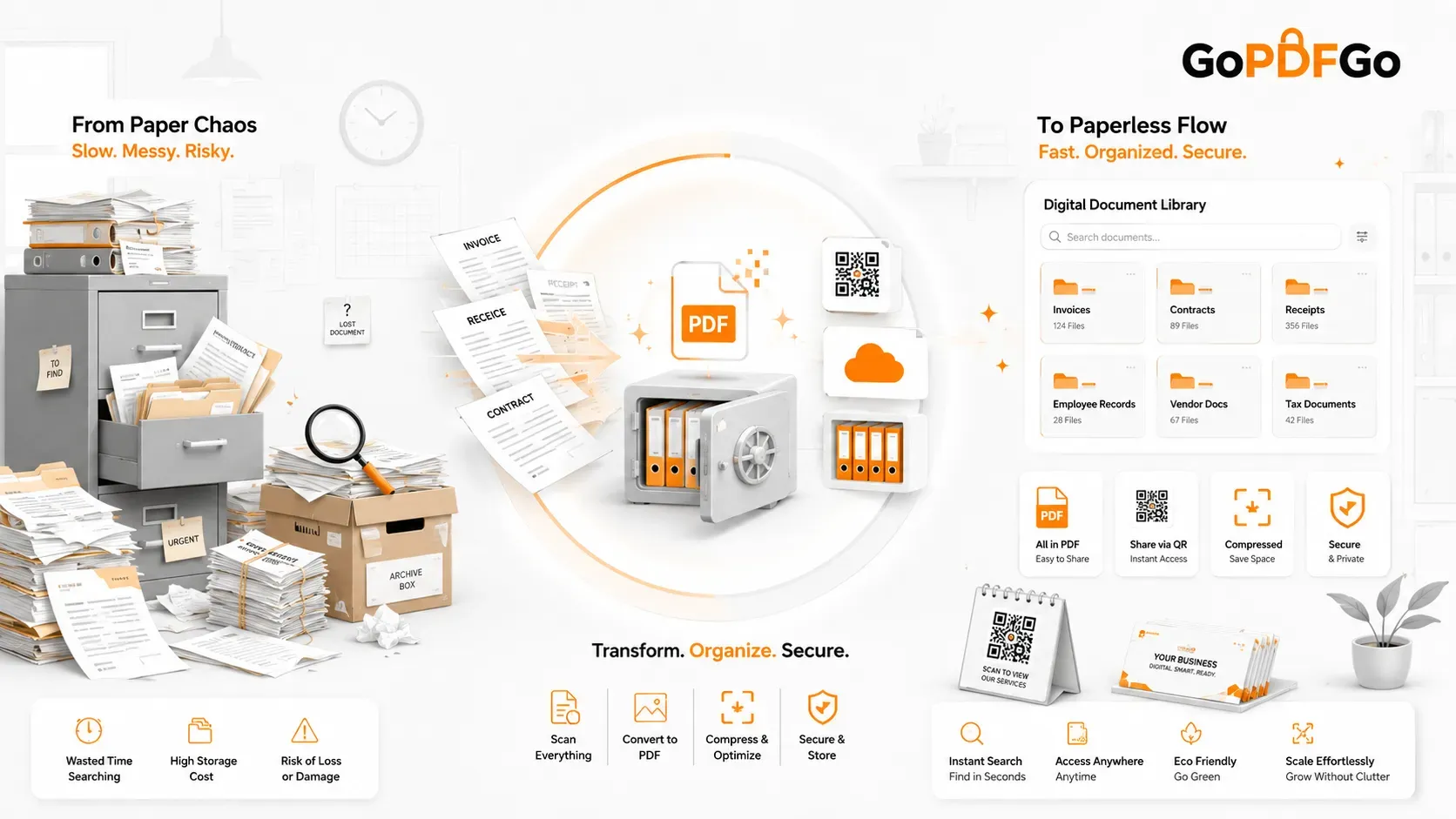
If you run a small business, a consultancy, a real estate firm, or a creative agency, you likely understand the creeping, overwhelming chaos of paperwork. It always starts small: a few printed vendor invoices sitting on your desk, a physical contract signed with a new client in a folder, and a shoebox full of faded taxi receipts from a business trip. Fast forward six months, and your office is literally drowning in overflowing filing cabinets, messy desks, and lost documents.
Relying on physical paper in 2026 is not just outdated; it is incredibly expensive and highly inefficient. You are paying constantly for printer ink cartridges, reams of paper, physical storage space, and courier fees. But the biggest hidden cost is time—the hours of wasted billable time spent digging through dusty folders to find a single, specific tax receipt before an audit. Transitioning to a 100% paperless workflow doesn't just save trees; it drastically improves your company's profitability, data security, and administrative speed. Here is how you can completely digitize your business operations using free, secure digital utilities.
Step 1: Digitize and Consolidate Your Accounting
The biggest, most relentless source of paper clutter in any business is the accounting department. Every single month, you receive dozens of invoices from software SaaS subscriptions, independent contractors, wholesale suppliers, and utility companies. The absolute secret to a paperless, stress-free accounting system is digital consolidation.
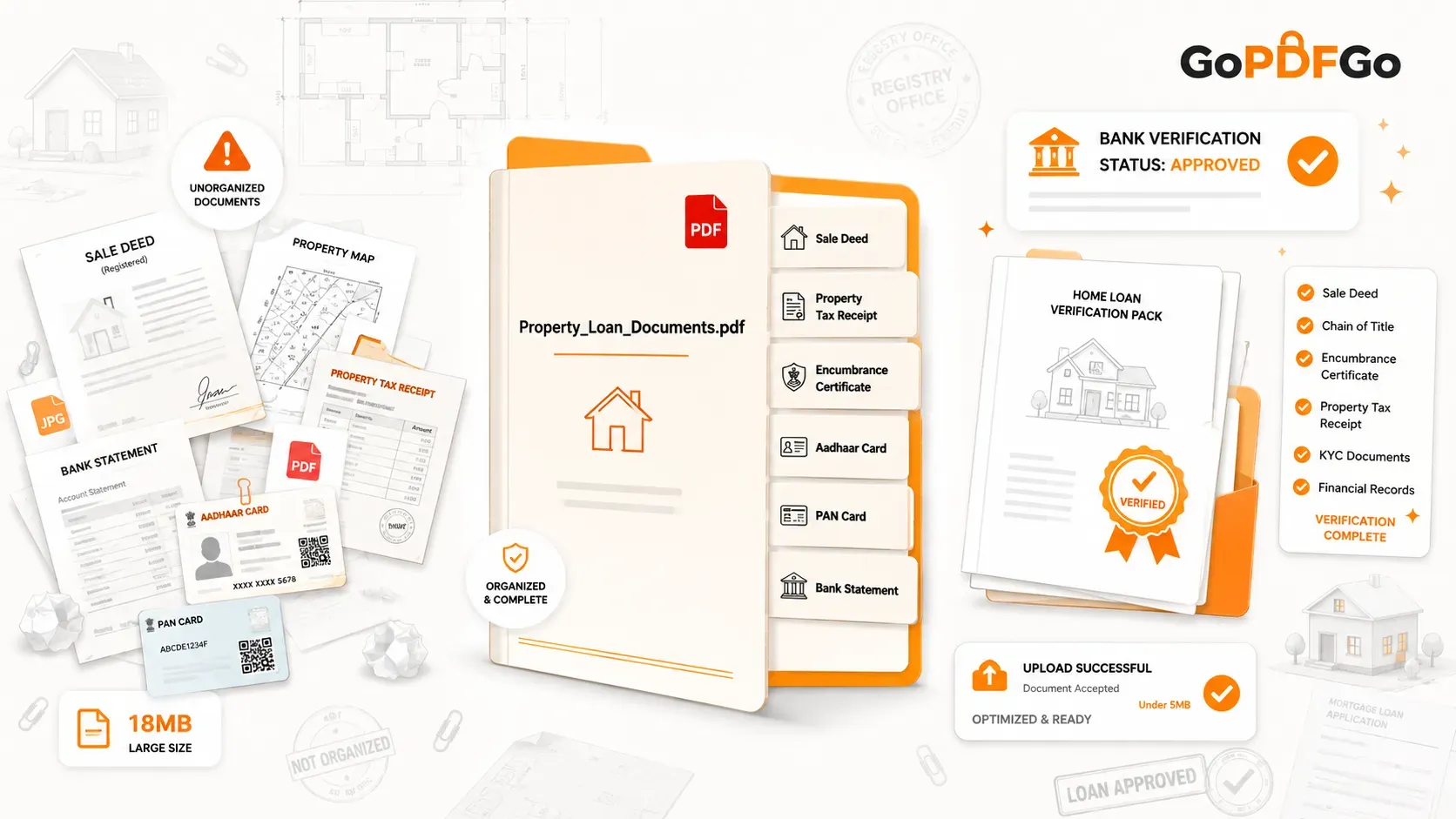
Instead of printing these digital invoices out, or forwarding 50 separate, confusing emails to your Chartered Accountant (CA) or bookkeeper, build a "Master Expense File" at the end of every month. Download your PDF invoices to a local folder. Then, compile them using a secure Merge PDF tool. Group them chronologically or by expense category.
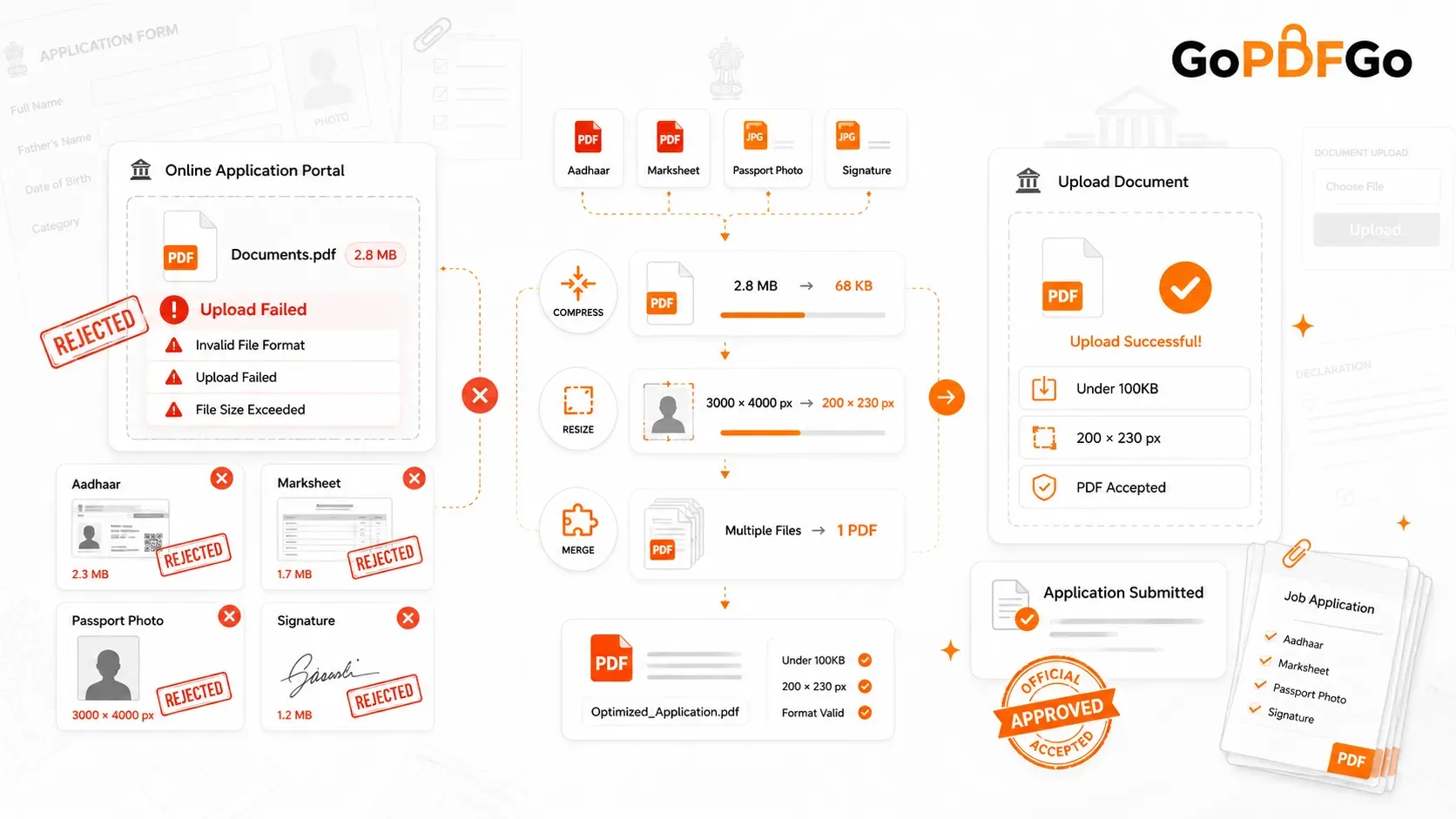
If you have physical restaurant receipts or hardware store bills, snap a clear photo with your smartphone and use an Image to PDF tool to convert them before merging them into the master file. Handing your CA one single, cleanly organized document named "March_2026_Master_Expenses.pdf" makes tax season utterly painless and guarantees that no legitimate business expense falls through the cracks.
Step 2: Optimize Client Deliverables for the Cloud
Going paperless fundamentally means moving your storage from physical filing cabinets to the cloud (like Google Workspace, Dropbox Business, or Microsoft OneDrive). However, cloud storage is notoriously expensive once your business crosses the initial free tier limit. If your business consistently delivers heavy digital reports, high-resolution architectural floor plans, or dense legal discovery files to clients, you will burn through your cloud storage quota incredibly rapidly.
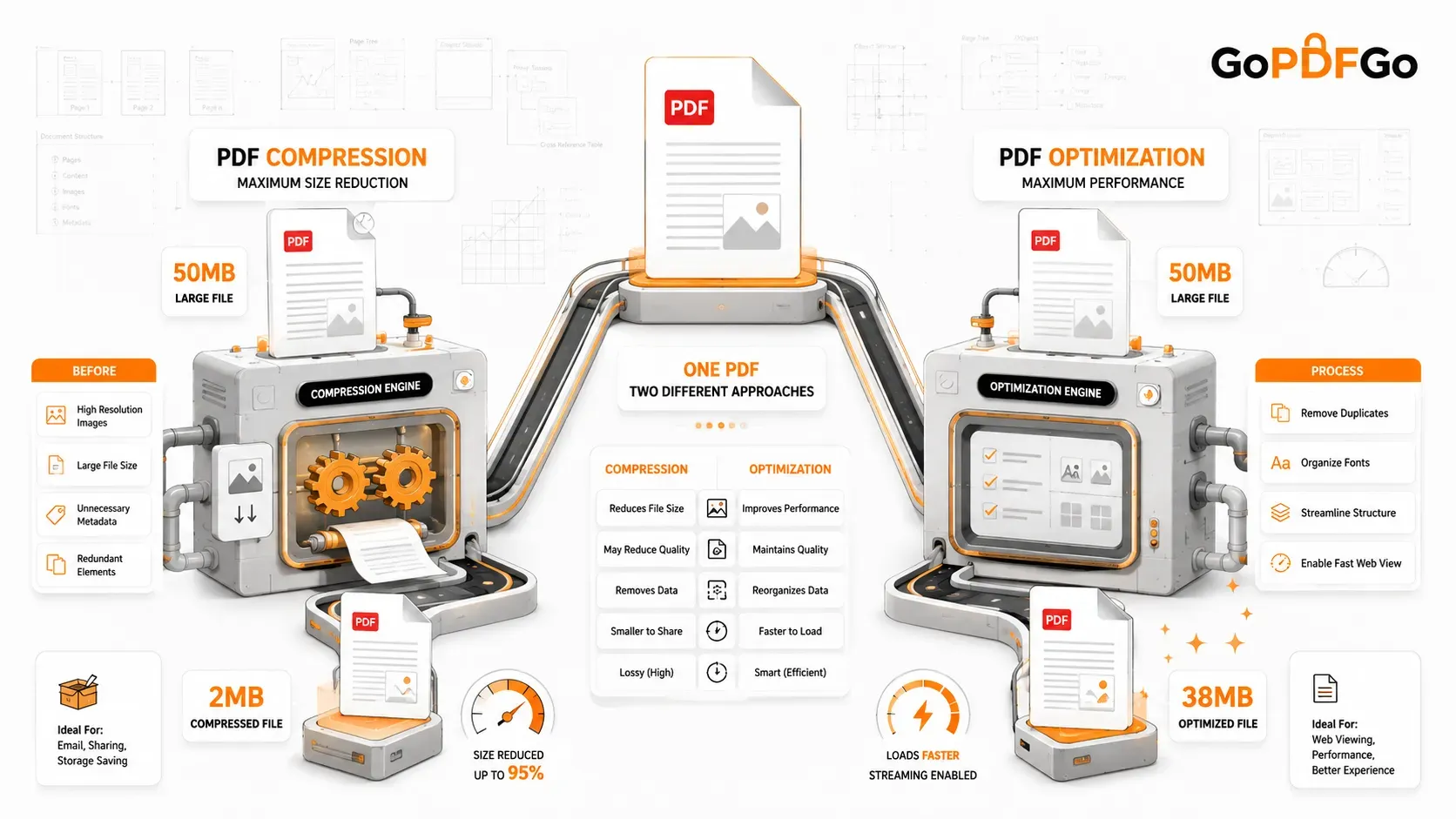
Make it a strict, non-negotiable company policy to run every final client document through a Compress PDF utility before saving it to your permanent cloud drive or attaching it to an email. Smart, hybrid compression reduces file weights by up to 80% without losing visual clarity or vector sharpness. This simple daily habit will literally save your business hundreds of dollars a year in upgraded cloud storage subscription fees.
Step 3: Secure Your HR and Employee Onboarding
When you hire a new employee or onboard a contractor, you must collect critical KYC (Know Your Customer) documents, including PAN cards, banking details, and Aadhaar cards. Storing physical photocopies of these highly sensitive documents in an unlocked office cabinet is a massive privacy liability.
Digitize your HR workflow immediately. Furthermore, practice strict data minimization. You do not need to store an employee's full biometric Aadhaar number for basic file-keeping. Instruct your HR team to run all submitted ID proofs through an ID Masking tool. This secure utility permanently blackouts the first 8 digits of the identity card, ensuring that even if your company's HR drive is compromised, your employees are protected from severe identity theft.
Step 4: Connect Physical Spaces to Digital Assets
Being a paperless business doesn't mean your physical storefront, restaurant, or office has to be disconnected from your customers. You can seamlessly bridge the gap using modern barcode technology.
If you own a cafe or a salon, stop printing expensive, easily-damaged paper menus or price lists. Upload your menu PDF to Google Drive and use a Free QR Code Generator to create a static, non-expiring QR code. Place it as a sticker on the tables or counter. Customers simply scan and read on their own devices. Similarly, consultants and sales executives can print a single QR code on the back of their minimalist business cards that links directly to their digital portfolio or Calendly booking page, entirely eliminating the need for bulky, expensive promotional pamphlets.
The B2B Privacy Mandate: Why Local Processing is Crucial
The single biggest hurdle businesses face when going paperless is Data Security. If you are handling corporate Non-Disclosure Agreements (NDAs), proprietary client financials, unreleased product patents, or sensitive employee records, you absolutely cannot use random "free" cloud-based PDF editors you find on Google.
Uploading client data to third-party servers is a massive legal liability and a direct breach of corporate trust. Your paperless digital workflow must be built on Client-Side Technology.
Platforms like GoPDFGo operate entirely inside your browser. When you merge, split, compress, or mask a corporate file on our site, the mathematical processing happens directly on your office computer's own CPU and RAM. The confidential data never travels across the internet, and no files are ever uploaded to our backend servers. It is the ultimate combination of free web convenience and enterprise-grade, offline security.
Frequently Asked Questions (FAQ)
Q: Is digital storage legally valid for audits?
A: Yes. In almost all modern jurisdictions, digitally scanned copies of invoices and receipts (PDFs) are perfectly valid for tax audits and accounting purposes, provided they are legible and unaltered.
Q: What if I have hundreds of old paper files to scan?
A: Don't do it all at once. Start "Day Forward" paperless—meaning everything new from today is digital. Then, dedicate one hour a week to slowly scanning and archiving your old back-catalog using your smartphone and our Image to PDF converter.
Q: Can I password-protect my merged master files?
A: While GoPDFGo does not currently add passwords, you can easily use your operating system's built-in file encryption or ZIP password features to secure the final compressed PDF before uploading it to a shared company cloud drive.
Transform Your Office Today
Embracing a completely paperless workflow isn't a futuristic, sci-fi concept; it is a baseline requirement for modern business survival and efficiency. Digitize your records securely, optimize your digital storage costs, protect your client's data, and watch your administrative overhead plummet.