How to Prepare Property Documents in One PDF for Home Loan Verification
Buying a new house is one of life’s biggest milestones, but the loan that pays for it comes with a thick stack of paperwork. Whether this is your first home loan or you arrange them for clients as a property consultant, you will quickly find that banks and housing finance companies are strict about exactly how documents are submitted.
Bank officials must meticulously review property verification documents to ensure the asset is legally clear and that your financial standing is solid. However, the most common bottleneck in this process isn't a lack of funds or a bad credit score—it is how the home loan application documents are submitted. Sending an email with twenty scattered image files or uploading multiple disorganized PDFs creates chaos.
To ensure a smooth, fast, and hassle-free approval process, learning how to prepare property documents in one PDF for home loan verification is absolutely essential. In this guide, we will walk you through exactly why banks prefer unified files, what documents you need, and how to organize them perfectly.
Why Banks Prefer a Single Organized PDF
When a loan officer opens your application, their goal is to review your profile as quickly and accurately as possible. Submitting a single, neatly structured PDF file helps you in a few concrete ways:
- Faster Verification: A single PDF reads like a digital book. The verification officer can simply scroll from your identity proofs straight down to your property’s sale deed without having to open and close multiple tabs or figure out which file belongs to which category.
- Fewer Missing Documents: When you send multiple separate attachments, it is incredibly easy for an email server to block one, or for an officer to accidentally miss downloading a crucial file. When you combine property papers into one PDF, nothing gets left behind.
- Better Applicant Presentation: Submitting a clean, structured file shows the bank that you are an organized, serious applicant. It makes the officer's job easier, which is exactly what you want when your file is one of dozens on their desk that morning.
Documents Commonly Required for Home Loan Verification
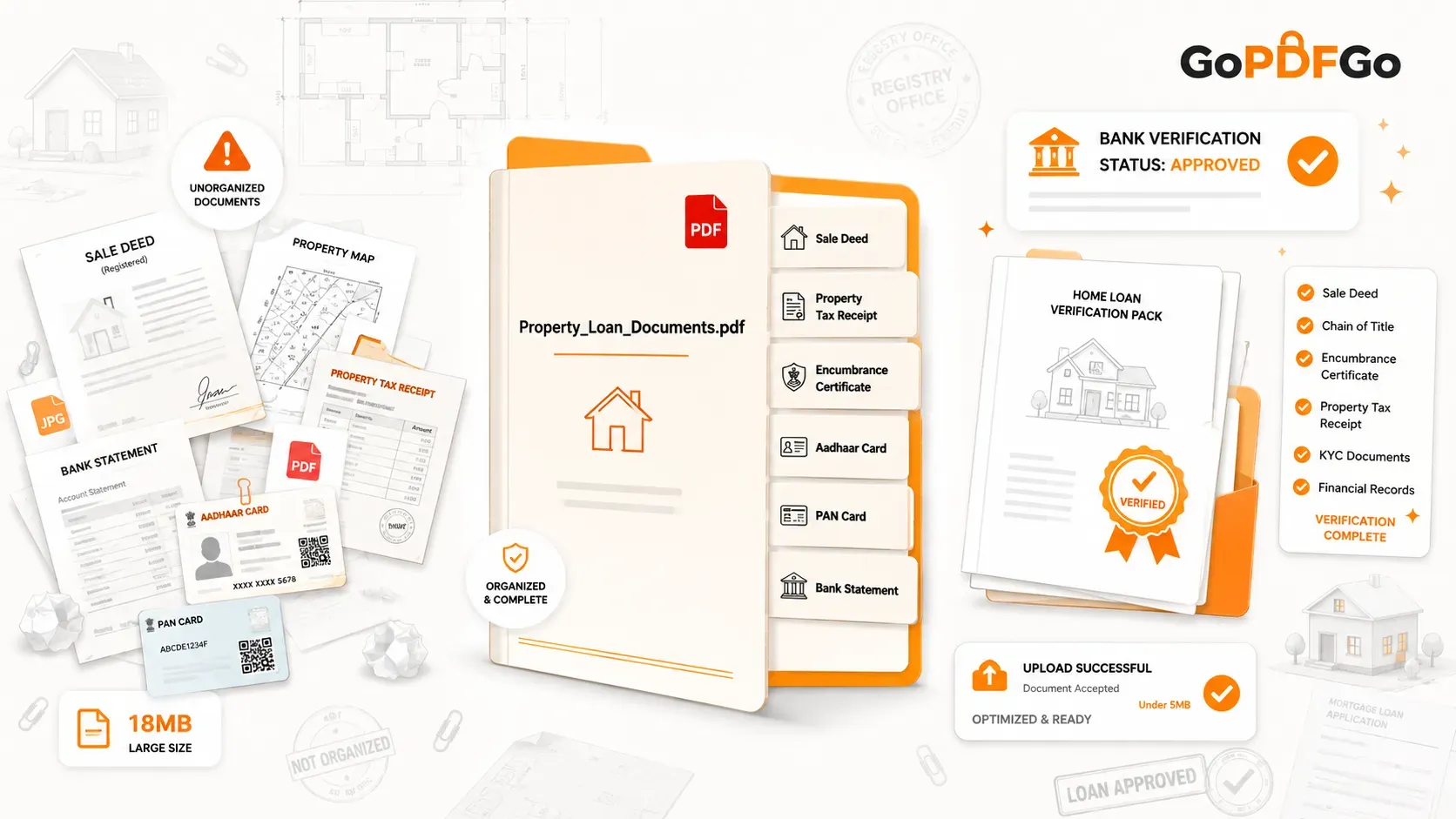
Before you start compiling your file, you need to gather all the necessary paperwork. While specific requirements may vary slightly between different banks, a standard home loan application requires the following property verification documents:
- Sale Deed / Agreement to Sell: The primary document establishing the transaction between you and the seller or builder.
- Chain of Title (Previous Registry Papers): If you are buying a resale property, banks require the history of ownership to prove the seller has the legal right to transfer the property.
- Property Tax Receipts: The latest receipts proving that all municipal taxes on the property have been cleared.
- Encumbrance Certificate (EC): A crucial document that proves the property is free from any legal or financial liabilities (like an uncleared previous mortgage).
- Identity Documents: Your PAN Card, Aadhaar Card, or Passport.
- Address Proof: Recent utility bills, voter ID, or a valid rental agreement.
- Financial Records: Your last 6 months of bank statements, salary slips, and recent IT Returns (Form 16).
How to Arrange Property Documents in the Correct Order
Having all the documents is only half the battle; the sequence in which you present them matters just as much. When you combine them into one file, arrange them in a logical order.
Recommended Sequence:
- Index / Cover Letter: A simple typed page listing what is in the document.
- Applicant KYC: PAN, Aadhaar, and current address proofs.
- Income & Financials: Bank statements and tax returns.
- Primary Property Papers: The new Agreement to Sell or Allotment Letter.
- Supporting Property Papers: The Chain of Title, Encumbrance Certificate, and NOCs (No Objection Certificates).
- Tax Records: The latest property tax receipts.
Importance of Page Consistency: Make sure every page flows naturally. A bank officer should not have to tilt their head because a landscape property map was placed next to a portrait text document. Consistency in page size and direction reflects a highly professional application.
Common Mistakes That Delay Home Loan Approval
Even minor formatting errors can send your application to the back of the queue. Avoid these common pitfalls:
- Missing Pages: Accidentally leaving out the back page of an Aadhaar card or an odd-numbered page of a bank statement breaks the continuity of your verification.
- Wrong Page Order: Placing your tax receipts before your identity proof confuses the loan officer working down a verification checklist, who expects each document where the standard sequence says it should be.
- Multiple Attachments: Uploading "Aadhaar.jpg," "Deed1.pdf," and "Deed2.pdf" into a bank portal that only accepts a single file will result in an instant rejection error.
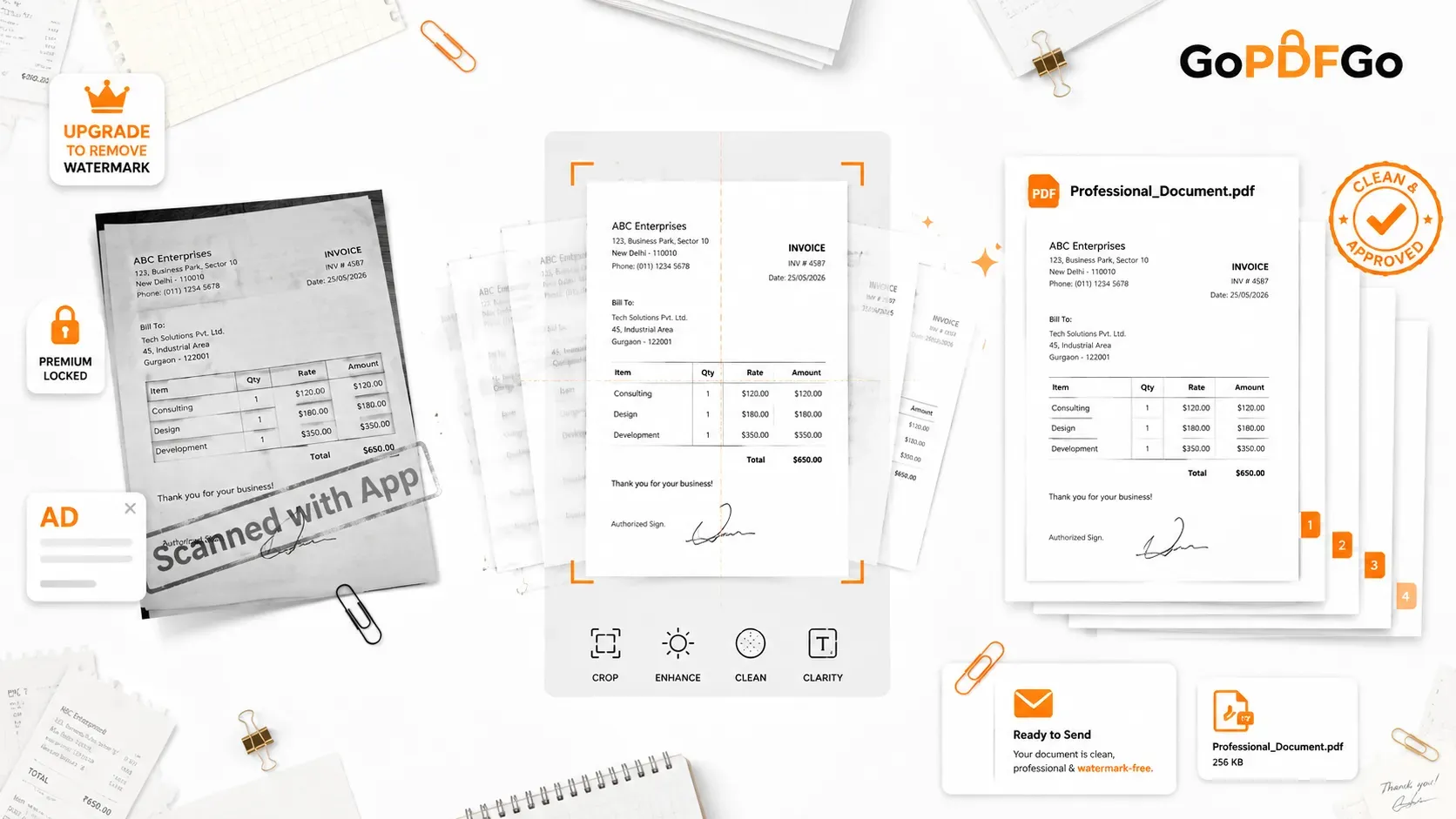
- Poor Scan Quality: Scanning documents on a dark table with heavy shadows or capturing a large portion of your desk in the background looks unprofessional and wastes file space.
Step-by-Step Guide to Create One Organized PDF
Creating the perfect master file doesn't require expensive software. You can easily prepare your file using simple browser tools.
- Step 1: Scan Your Documents. Lay your physical papers flat in a well-lit area. If you take photos with your smartphone, your files will likely be in JPEG or PNG format. You will first need to convert these photos using an Image to PDF converter to standardize them.
- Step 2: Clean Up the Scans. If your photos include messy backgrounds like your bedsheet or desk, use a Crop Image tool to trim away the unwanted edges, leaving only the clean white paper visible.
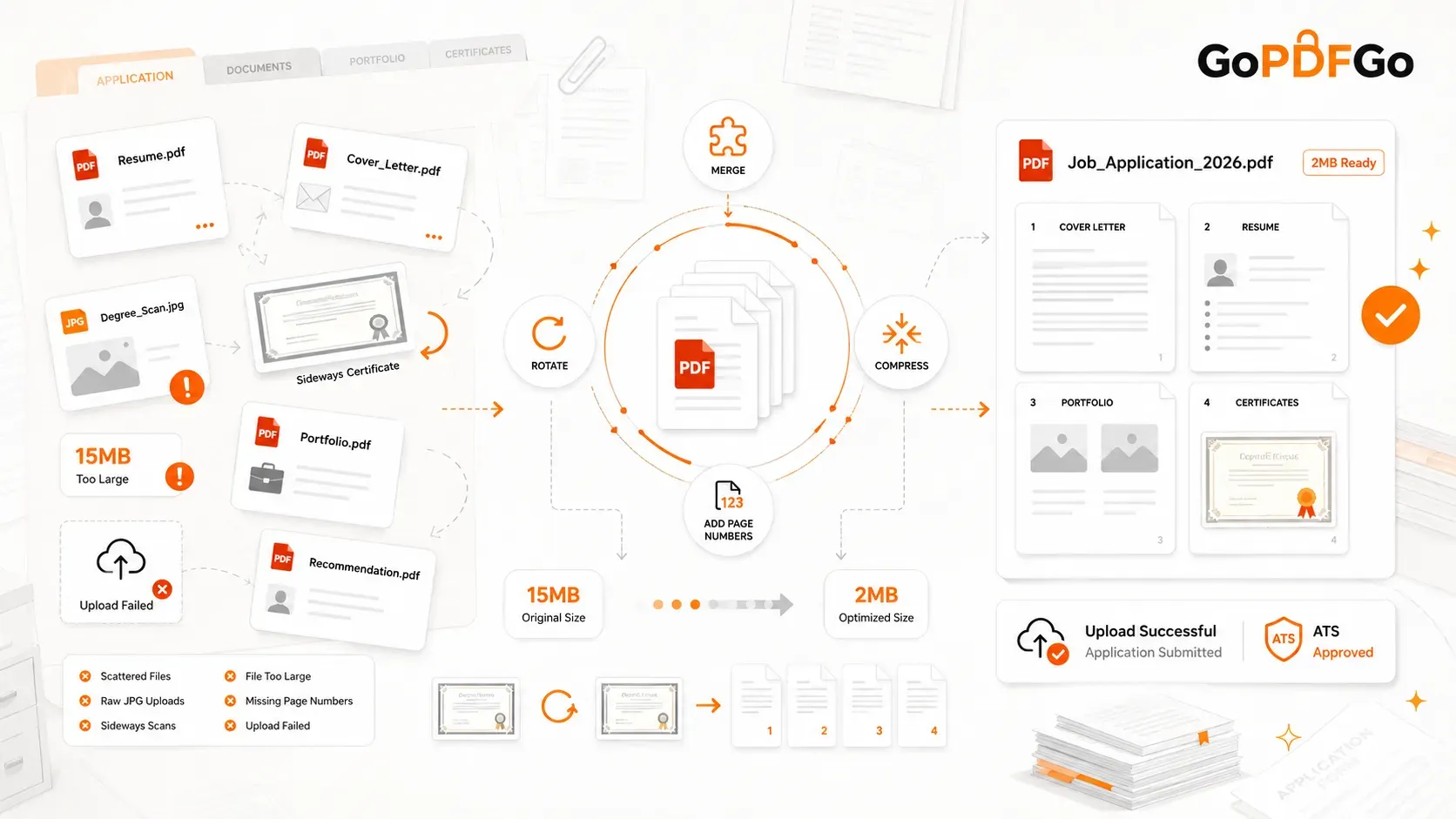
- Step 3: Fix Orientation. Scanners and mobile phones frequently save pages sideways or upside down. Before combining anything, run your files through a Rotate PDF tool to permanently lock all pages into the correct upright viewing position.
- Step 4: Merge the Files. Once all your individual pages are clean and upright, it is time to combine them. Use a secure Merge PDF utility to drag and drop your files into the exact sequence mentioned earlier, binding them into one continuous master document.
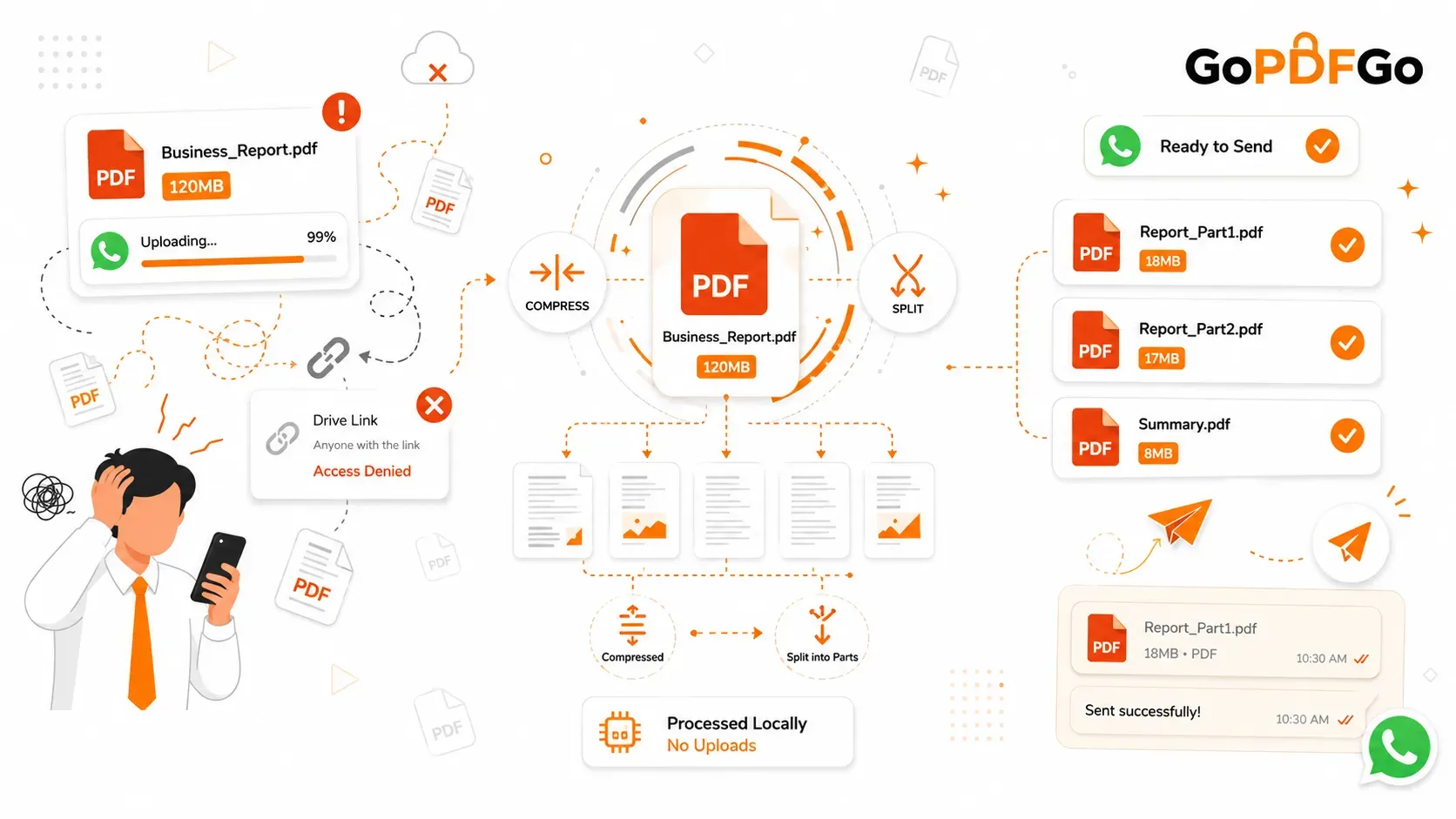
- Step 5: Reduce File Size. Bank upload portals are notoriously strict, often rejecting files larger than 5MB or 10MB. Because property deeds can be dozens of pages long, your merged file might be too heavy. Pass your final master file through a Compress PDF tool to shrink the file weight down to portal-friendly sizes without making the text blurry.
Why Secure Offline PDF Processing Matters for Property Documents
When dealing with home loan application documents, you are handling your most sensitive personal data. Your file contains your financial history, your signature, your national identity numbers, and high-value property records.
You must prioritize privacy. Avoid using random, ad-heavy websites that upload your sensitive documents to remote cloud servers for processing. Always opt for platforms that utilize secure, local, browser-based processing that runs on your own device. This ensures that when you merge, crop, or compress your files, the data never actually leaves your computer's local memory, guaranteeing absolute protection against data leaks and identity theft.
Final Checklist Before Uploading Property Documents
Before you hit the "Submit" button on your bank's portal, run through this quick checklist:
- Are all individual files combined into one single PDF?
- Is the final file size within the bank's maximum limit (e.g., under 5MB)?
- Are all pages upright and easy to read without rotating the screen?
- Are the front and back of all ID cards included?
- Is the text sharp and legible after compression?
Frequently Asked Questions (FAQ)
Q: Is it safe to upload my property and ID documents to merge them online?
A: If you use a standard cloud-based tool, there is always a data risk. However, using secure, browser-based tools like GoPDFGo ensures your highly sensitive files (like Aadhaar cards and sale deeds) never leave your device. All merging and compressing happen securely within your own computer's memory.
Q: What is the maximum file size banks usually accept for document uploads?
A: Most banking portals restrict file uploads to 5MB or 10MB. If your merged property document exceeds this limit, you can easily use a Compress PDF tool to reduce the file size dramatically without losing text clarity.
Q: Can I merge my bank statements if they are password-protected?
A: No, you cannot merge an encrypted file directly. First remove the password from your downloaded bank statements with our Unlock PDF tool (you enter the password you already know; the unlocked copy is a flattened, image-based PDF), then combine them with your other property papers.
Q: Should I scan my property documents in color or black and white?
A: Black and white or grayscale is highly recommended. It keeps the overall file size drastically lower and often makes text appear sharper. Only use color if the document has a specific colored seal or thumbprint that the bank explicitly needs to verify.
Submit Once, Approve Faster
A home loan application moves faster when the officer can read it top to bottom without hunting for pages. Take the time to scan cleanly, fix the orientation, put the documents in a sensible order, and merge them into one file. A single, well-organized, properly compressed PDF meets the bank's upload rules and keeps your verification from stalling on avoidable formatting problems.