The Real Difference Between PDF Optimization and PDF Compression
Have you ever tried to attach a document to an email, only to be stopped by a frustrating "File exceeds maximum size" error? When this happens, almost everyone immediately searches the internet for ways to reduce PDF file size. During your search, you will constantly see two technical terms popping up: PDF Compression and PDF Optimization.
Most internet users, and even many software programs, use these two terms interchangeably. However, in the world of digital document management, they are completely different processes. While both methods can technically result in a smaller file, they achieve this goal using completely different mechanics and serve very different purposes.
If you regularly handle digital paperwork, understanding the primary keyword—PDF Optimization vs PDF Compression—is crucial for maintaining PDF performance, visual quality, and effective PDF storage management. In this educational guide, we will break down the technical jargon into simple, professional, and easy-to-understand concepts.
What is PDF Compression?
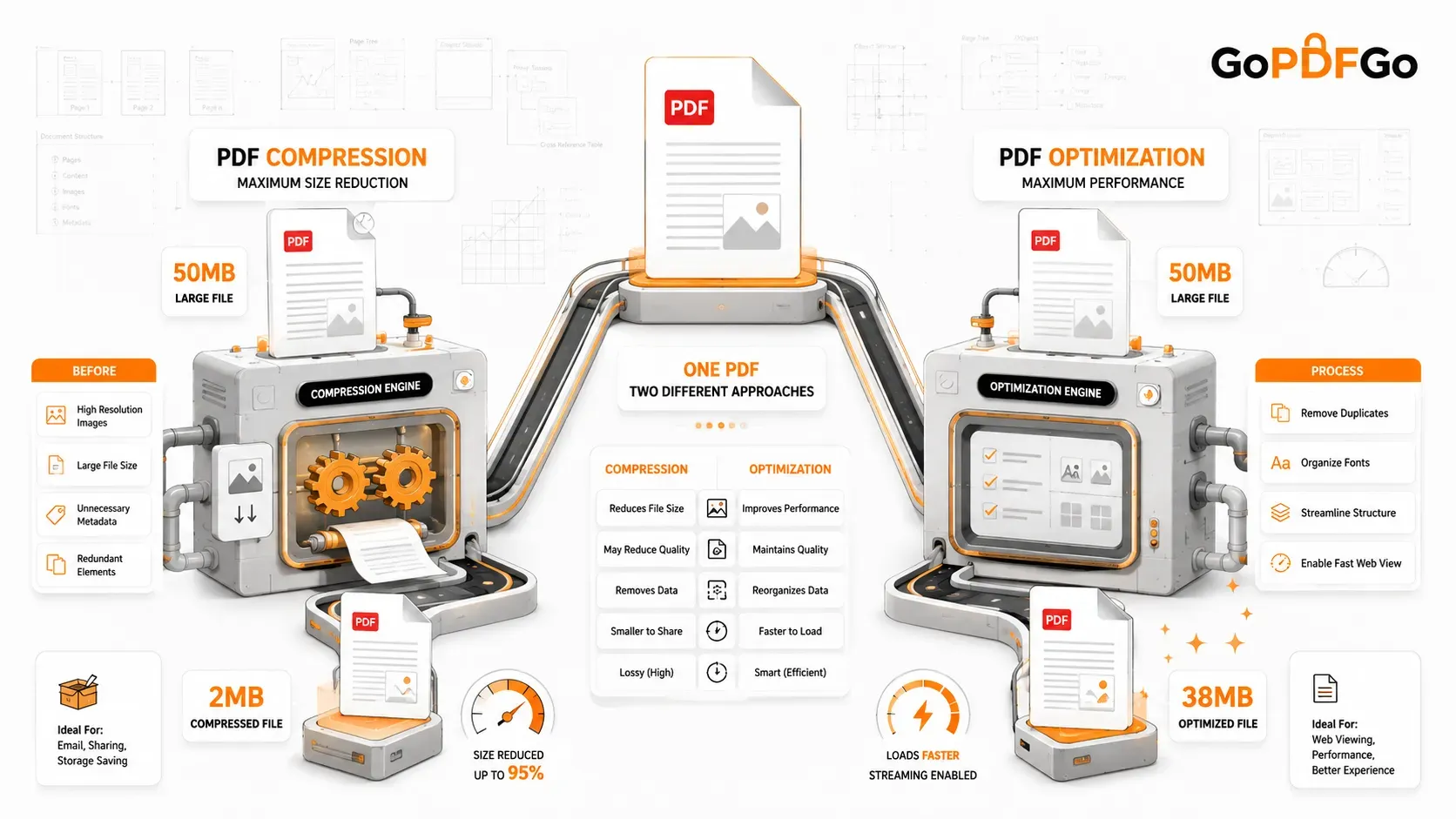
Definition: PDF compression is the brute-force method of shrinking a file. It reduces the overall file size by permanently altering, downscaling, or discarding some of the data inside the document.
How it works: Think of compression like packing a suitcase for a flight. To make your suitcase close, you might have to squeeze your clothes tightly, leave some non-essential items behind, or use vacuum-sealed bags. When you Compress PDF files, the software looks for the heaviest elements—usually images—and shrinks them. For example, it might take a high-resolution photograph (300 DPI) meant for a billboard and reduce its quality to a screen-friendly resolution (72 DPI). It also deletes invisible metadata, like the author's name or the software used to create the file.
Benefits: The biggest advantage of compression is a massive reduction in file size. A 50MB architectural blueprint can often be shrunk down to just 2MB, making it incredibly easy to share across the internet.
Limitations: Because compression alters the data, applying "extreme" or "maximum" compression can lead to blurry images, pixelated charts, and flattened text that cannot be highlighted or searched.
What is PDF Optimization?
Definition: PDF optimization is the smart, structural reorganization of a file. Its primary goal is not just to reduce PDF file size, but to dramatically improve the document's speed, efficiency, and PDF performance, especially when viewed on the internet.
How optimization improves PDFs: If compression is like squeezing clothes into a suitcase, optimization is like organizing a chaotic closet. The software cleans up the internal code of the document without ruining the visual quality. It does this through several clever techniques:
- Font Subsetting: If you use the "Arial" font in your document, standard PDFs might embed the entire Arial font dictionary (thousands of characters from multiple languages). Optimization removes the unused characters, keeping only the specific letters you actually typed.
- Removing Duplicates: If your company logo appears on all 50 pages of a report, an unoptimized PDF might save that image 50 separate times. Optimization saves the logo once and simply points all 50 pages to that single image file.
Performance benefits (Linearization): The biggest superpower of an optimized PDF is "Fast Web View" or Linearization. Normally, a browser has to download an entire 100-page PDF before you can see page 1. Optimization restructures the file so it streams like a YouTube video. The browser downloads and displays page 1 instantly, while the remaining 99 pages quietly load in the background.
PDF Optimization vs PDF Compression: Key Differences
To make the comparison easier, here is a breakdown of how the two processes differ in real-world scenarios:
| Feature | PDF Compression | PDF Optimization |
|---|---|---|
| Primary Purpose | To drastically shrink the file size. | To improve loading speed and efficiency. |
| File Size Reduction | High (Can reduce size by up to 90%). | Low to Moderate (Usually 10% to 30%). |
| Quality Impact | Noticeable. Images may become slightly blurry. | None. The visual quality remains identical. |
| Loading Speed | Slower on web (browser must download the whole file). | Instant on web (streams page by page). |
When Should You Compress a PDF?
You should focus on compression when strict file size limits are your main obstacle. Here are common practical examples:
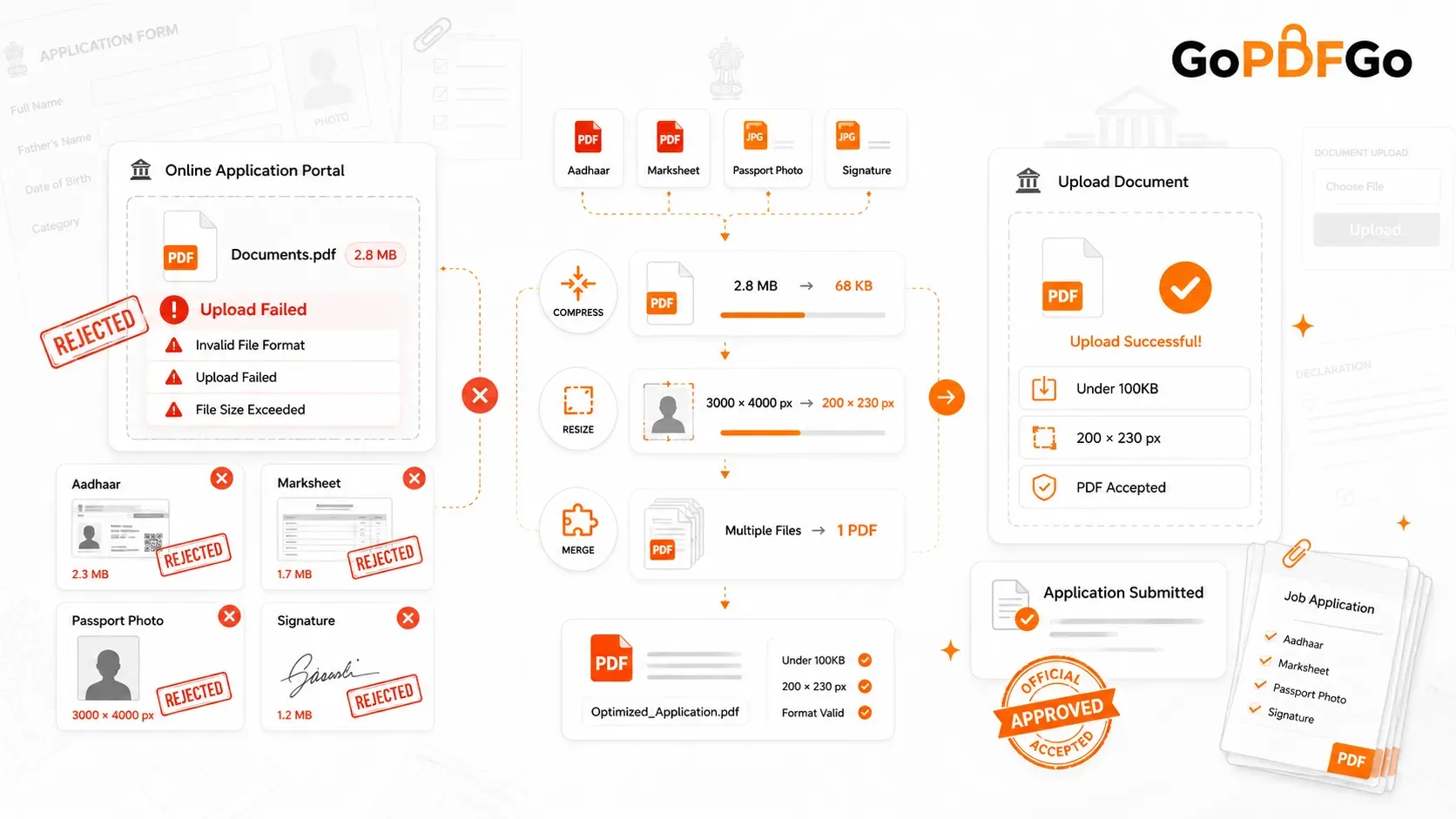
- Government and Tax Portals: Most state and national government websites have ancient upload systems that strictly reject files larger than 2MB or 5MB.
- Email Attachments: Gmail and Outlook restrict attachments to 20MB or 25MB. If you are sending a massive pitch deck to a client, you must compress it first.
- Job Applications: HR portals (like Workday or Taleo) often limit resume and portfolio uploads to keep their server costs low.
When Should You Optimize a PDF?
Optimization is your best friend when you care about the user experience, professional presentation, and long-term PDF storage management. Consider these examples:
- Hosting Files on Websites: If you are uploading an e-book, a product manual, or a digital brochure to your company website, you want it to load instantly for the user. Optimization (Fast Web View) is mandatory here.
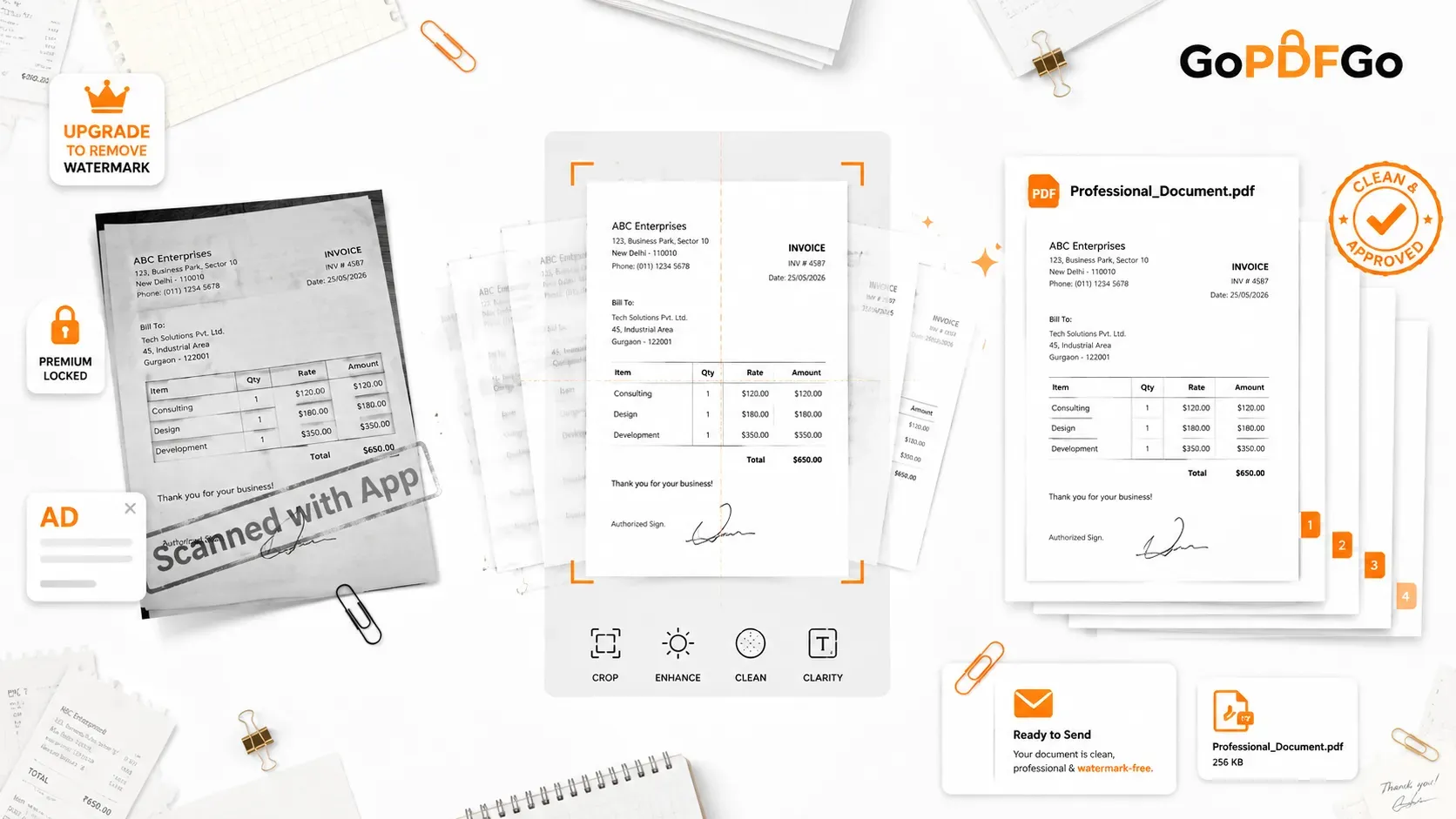
- Digital Archives: When a business is archiving thousands of invoices, they don't want to compress and blur the text (which ruins OCR and text searching). Optimizing them cleans up the file structure without losing vital text clarity.
- Business Document Management: For internal corporate servers, keeping documents optimized ensures the network doesn't slow down when 50 employees open the company handbook at the same time.
Common Myths About PDF File Size Reduction
The digital world is full of bad advice. Let's clear up two massive myths:
Myth 1: "Compression always ruins the document completely."
Fact: Basic compression only targets images. If your PDF is purely text (like a typed contract), compression will not make the text blurry. Text is vector-based, meaning it scales infinitely without losing quality.
Myth 2: "I can just optimize a 100MB file to make it 2MB."
Fact: Optimization only removes structural waste. If a file is 100MB because it contains fifty 4K photographs, optimization might only bring it down to 98MB. You must compress the images to see a massive size drop.
Best Practices for Managing Large PDF Files
Instead of relying on a single button, smart professionals use a combination of tools to achieve the perfect balance of size and quality. If your file is still too large after compression, try managing the pages structurally.
For instance, if you are trying to email a 500-page corporate report, but the recipient only needs the financial summary from chapter 4, don't compress the whole document. Instead, use a tool to Extract PDF Pages. If you need to send the whole report but it refuses to compress enough, you can Split PDF into "Part 1" and "Part 2" for easy emailing.
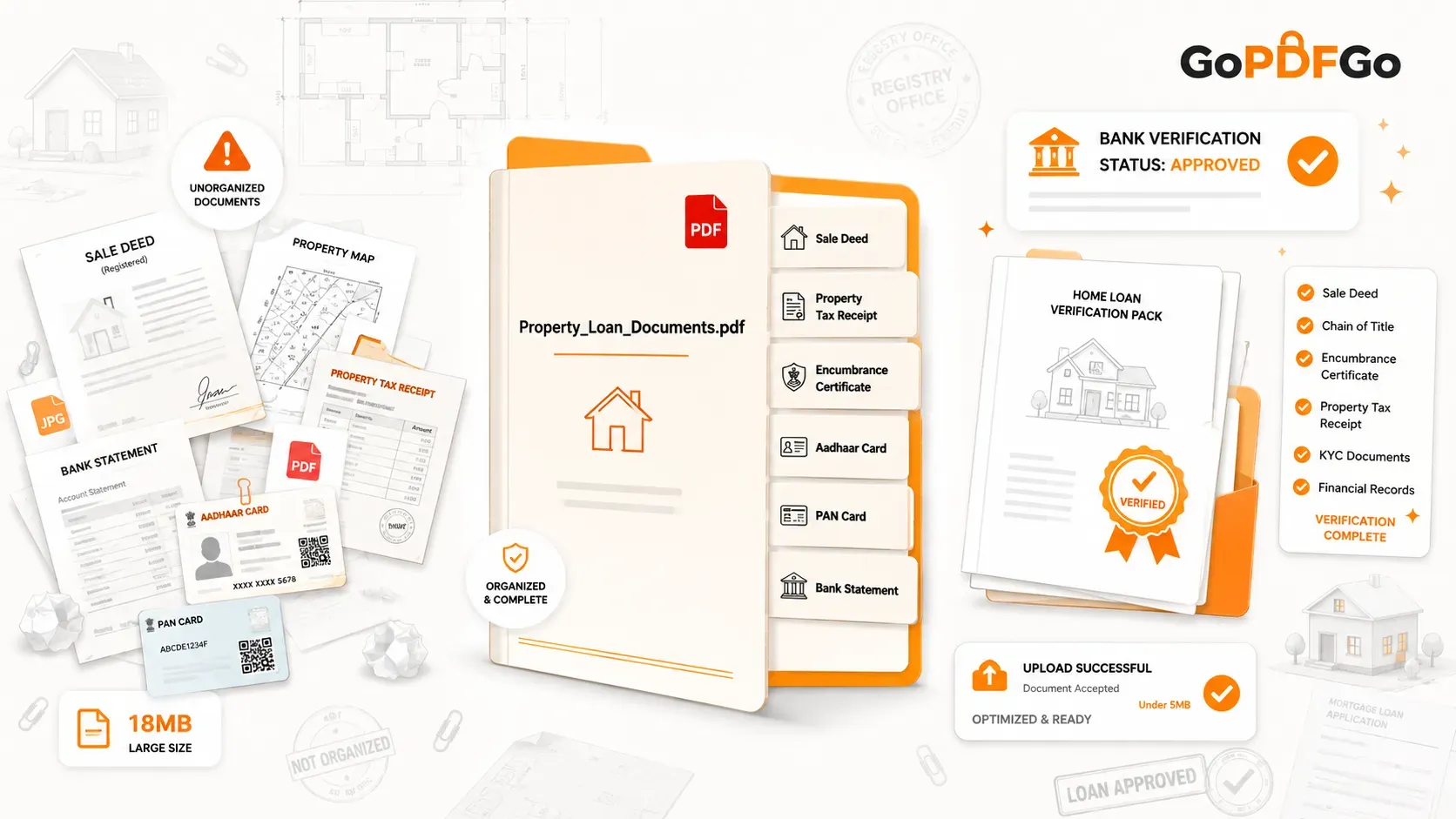
Conversely, if you have twenty different optimized receipts scattered across your desktop, it is better for your PDF storage management to Merge PDF them into a single, clean expense report.
Frequently Asked Questions (FAQ)
Q1: Will optimizing a PDF change how it looks when printed?
A: No. Optimization works entirely behind the scenes on the file's code (like removing duplicate fonts and embedding links properly). The visual layout and print quality will remain 100% identical to the original file.
Q2: Can I compress a PDF that has already been optimized?
A: Yes, absolutely. In fact, best practice for web publishing is to first compress the PDF to reduce the heavy image sizes, and then run it through an optimization process to enable Fast Web View (linearization).
Q3: Why did my PDF file size increase after I tried to optimize it?
A: This rarely happens, but it can occur if your original PDF was missing essential font dictionaries or color profiles. The optimization software might embed these missing resources to ensure the file is structurally sound and readable on all devices, slightly increasing the weight.
Q4: Is it safe to compress legal documents or contracts?
A: Yes, but you must be careful. Extreme compression can sometimes flatten digital signatures or make scanned stamps blurry. Always review your legal documents after compressing to ensure signatures and notary seals are still clearly legible.
Q5: Does PDF compression remove passwords or security encryption?
A: No standard compression or optimization tool can bypass heavy encryption. If a file is password-protected, you must unlock it first before the software can read, compress, or reorganize the internal data.
Conclusion
Understanding the difference between PDF optimization vs PDF compression saves you time, frustration, and embarrassment. Remember the golden rule: Use Compression when you need to bypass strict upload size limits by shrinking images, and use Optimization when you want to clean up a file's code so it loads incredibly fast on the internet. By combining both methods intelligently, you can master digital document management like a true professional.