How to Merge Multiple Vendor Invoices into a Single PDF for Accounting
If you run a small business, manage a creative agency, or work as a freelancer, the end of the month usually means one highly stressful thing: Accounting and Tax Filing (like GST filing in India). Over the course of 30 days, your inbox gets flooded with software subscription receipts, Amazon equipment bills, vendor invoices, utility bills, and contractor payments.
Most unorganized business owners simply forward these 40 or 50 separate emails to their Chartered Accountant (CA) or bookkeeper. This chaotic method almost always leads to lost receipts, miscalculated expenses, and ultimately, higher tax liabilities because legitimate business expenses fall through the cracks and are not claimed.
The Importance of Consolidated Billing Documents
Financial professionals and tax auditors absolutely despise working with fragmented data. When you submit a single, cleanly combined PDF containing all your expenses for the month, you achieve three critical business goals:
- Zero Data Loss: You guarantee that every single invoice is seen, recorded, and accounted for by your CA.
- Faster Processing: Your accountant doesn't waste billable hours downloading 50 different attachments, which saves you accounting fees.
- Audit Readiness: If the tax department ever asks for proof of expenses years down the line, handing them one clean file named "March_2026_Invoices.pdf" is infinitely better than digging through years of archived emails.
How to Organize and Merge Your Business Invoices
Before you begin the merging process, ensure you have downloaded all your invoices and placed them in one specific folder on your computer. Make sure they are all in PDF format. (If some vendors sent image receipts or screenshots, convert them first using our Image to PDF tool).
Step-by-Step Guide to Creating a Master Invoice File:
Because invoices contain highly sensitive business financial data, using a secure, client-side tool like GoPDFGo is absolutely essential. You do not want your business expenses uploaded to a random server.
- Step 1: Navigate to the secure Merge PDF tool.
- Step 2: Select all the invoice PDFs from your monthly folder and drag them into the upload zone simultaneously.
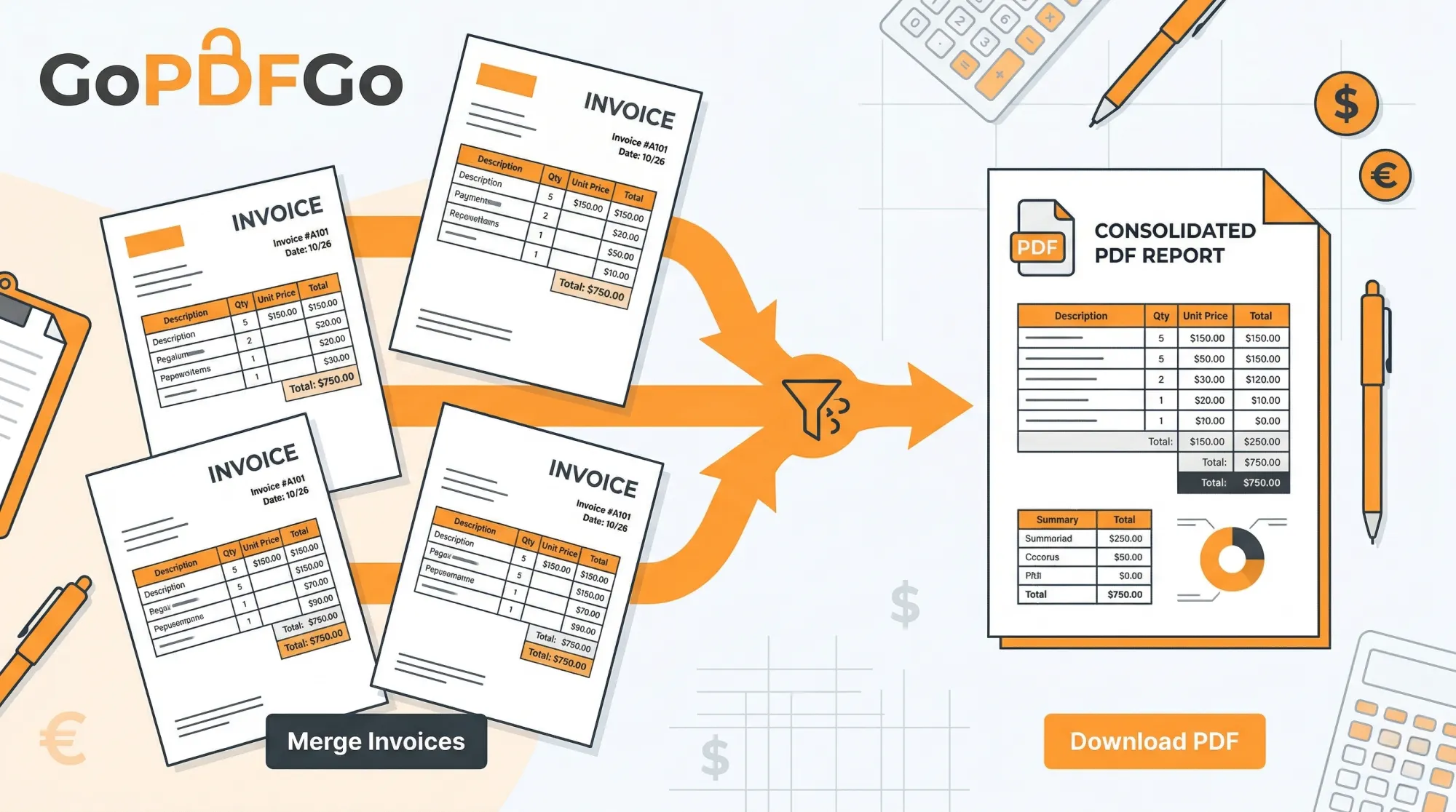
- Step 3: Arrange by Date or Category. Use the visual interface to drag and drop the invoices. A great accounting practice is to group them logically (e.g., all software/SaaS bills first, then utility bills, then physical inventory receipts).
- Step 4: Combine. Click the "Merge PDF" button. The pages are stitched together right in your browser, so even a 40-invoice file is ready in a couple of seconds.
- Step 5: Download and Rename. Save the file with a clear, professional naming convention, such as "FirmName_Expenses_2026-03.pdf" (year first, month as two digits) before sending it to your accounting team.
Handling Giant Accounting Files
If your business processes hundreds of invoices a month, your merged master file might become too large to attach to a standard email (usually limited to 25MB). Instead of sending it via risky third-party cloud sharing links, run the master file through our Compress PDF tool.
Our compressor will reduce the file size dramatically while keeping the crucial invoice numbers, GST numbers, and total amounts perfectly readable for your accountant.
Name the File So Your CA Doesn't Have to Ask
Here's a small thing that quietly causes a lot of back-and-forth: file names. A CA juggling 30 clients does not want to open "scan_001.pdf" and "WhatsApp Image 2026-03-14.pdf" to figure out whose books they belong to. Pick one naming pattern and stick to it for the whole year. Something like FirmName_Expenses_2026-03.pdf works because it sorts cleanly by date when you line up twelve months in a folder. Put the year first, then the month as a two-digit number (03, not March), so April never lands above February in the list.
If you file GST monthly, keep the period in the name itself. When your accountant is matching purchases against GSTR-2B on the Income Tax portal, a file literally called Purchases_2026-03_GST.pdf saves them the guesswork. The five seconds you spend renaming is five emails you don't send later.
By Vendor or By Month? Pick Based on How You'll Search Later
People always ask whether to group invoices by vendor or by date. Short answer: think about how you'll be looking for them in nine months, not how they arrived in your inbox.
- By month is what your CA wants for filing. One PDF per month, invoices inside roughly in date order, mirrors how returns are filed and how the books are closed.
- By vendor is what you want when a dispute pops up. If AWS double-charges you or a supplier denies a payment, you want every bill from that one vendor in a single file, not scattered across twelve monthly PDFs.
You don't have to choose forever. Keep the monthly master for filing, and when you genuinely need a per-vendor view, pull the relevant pages out with the Split PDF tool or lift specific pages using Extract PDF Pages, then merge just those into a clean vendor file. Two minutes, done.
One Combined PDF Beats a Folder of 40 Loose Files at Audit Time
A scrutiny notice or a GST audit can land two or three years after the fact, and that gap is exactly where loose files fall apart. A folder named "March invoices" with 40 PDFs in it has a way of becoming 37 files because someone moved a couple while cleaning up the Drive. With a single merged PDF, the page count is the count. If a 44-page master is sitting there, all 44 invoices are sitting there. Nothing wandered off.
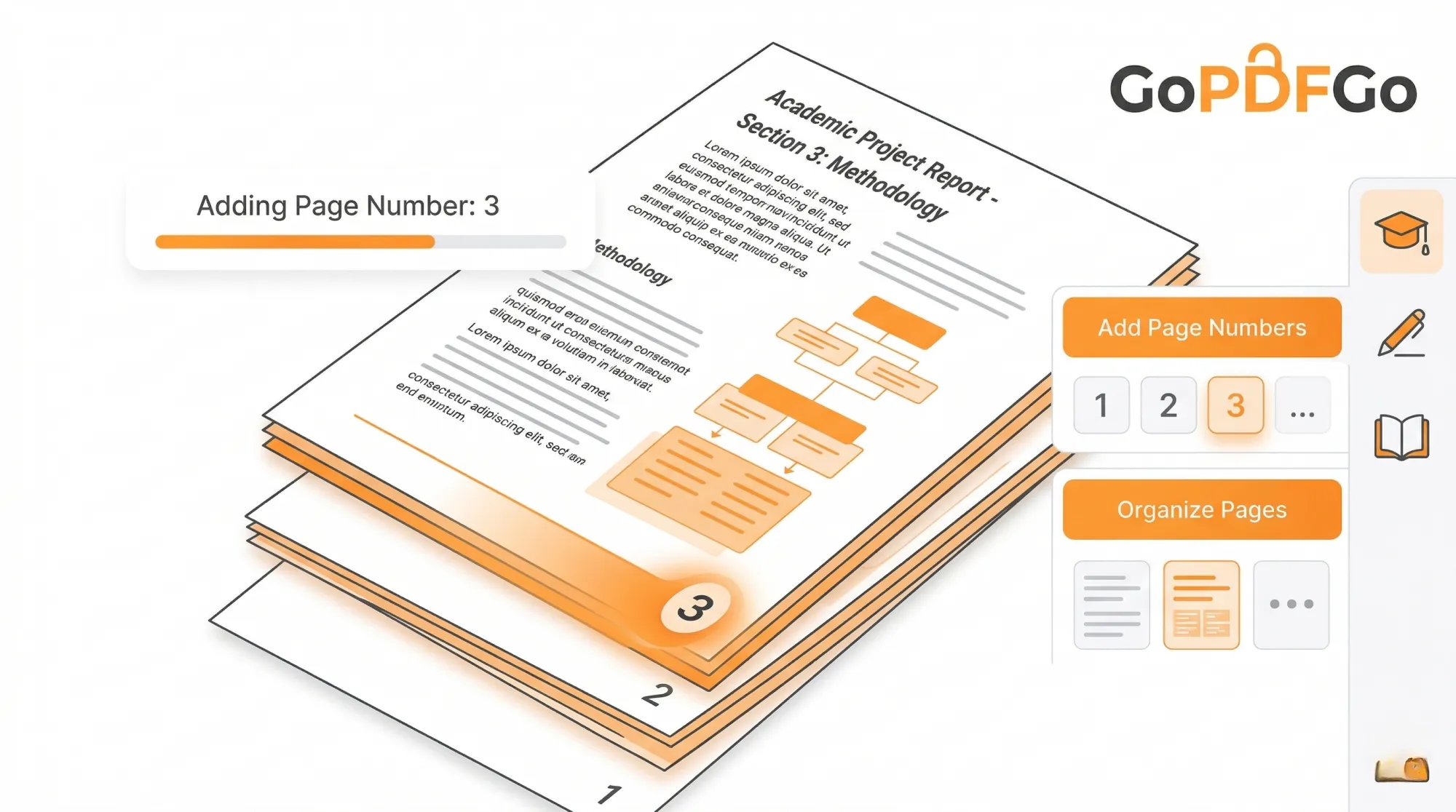
A combined file also travels as one unit. Email it, drop it in DigiLocker, hand it on a pen drive at the CA's office, or print it at the Xerox shop for a physical audit file, and the order never scrambles. To make the printout actually usable, run the master through Add Page Numbers first. Now your accountant can write "see invoice on page 23" in a reconciliation note instead of "the Reliance bill, somewhere in the middle."
Reconciling the Master Against Your Books
The real payoff shows up when you sit down to tie the PDF back to your ledger. Open the merged file beside your accounting software or your expense sheet and tick off each invoice against the entry in the books. Because everything is in one scrollable document, you catch the gaps fast: a payment you recorded but never got a bill for, or a vendor invoice that never made it into the books at all. That second one is the expensive mistake, because an unrecorded purchase is input tax credit you simply forgot to claim.
Do this once a month while the spending is still fresh in your head and the year-end becomes a non-event. If you're sharing the file outside your team, say with an external consultant, a light watermark marking it as a record copy keeps a stray draft from being mistaken for the final filing.
Taking control of your digital paperwork doesn't just make you look more professional; it actively saves you money during tax season. Start merging your financial records today and streamline your entire accounting workflow.
Frequently Asked Questions
Q: How do I merge multiple vendor invoices into one PDF?
A: Open the Merge PDF tool, add every invoice, drag them into date or vendor order, and download a single combined file.
Q: Can I add page numbers so I can reference each invoice?
A: Yes. After merging, run the file through Add Page Numbers so your team can say "see page 4" instead of digging through attachments.
Q: Can I pull one vendor back out later?
A: Yes. Use Split PDF or Extract PDF Pages to lift just those pages into a separate file.
Q: Is it safe for confidential financial records?
A: Yes. The whole process runs on your own computer inside the browser; no invoice is ever uploaded to a server.